

Clean and minimalistic PhpStorm
Written on 2022-06-08
This is a list of things I do when setting up PhpStorm from scratch. I prefer a clean and minimalistic look, which takes less than 5 minutes to set up. You can watch the full video, or scroll through the sections on this page!
I only use keyboard shortcuts and the actions menu, so I hide all toolbars.
Light colour schemes
Light colour schemes are better. That's not just an opinion, it is a fact. I prefer a colour scheme that might be less cool and fancy, but forces me to properly light my room and put less strains on my eyes.
Increased font size
Similar to light colour schemes, pick a font size and line height that works on your monitor, make sure you don't have to squint your eyes in order to read code.
Code folding
I enable code folding for method bodies by default. It gives me a proper overview of classes, without too much noise. I've learned to use my keyboard for navigation and managing folds, so that it doesn't impact my performance.
Tabs at the bottom
For some reason, placing tabs at the bottom of my screen feels way more natural and less intrusive.
Instead of moving sidebars to the right, I undock it, so that it slides on top of my code without moving that code around.
The navigation bar
If you prefer an even cleaner look, you can hide the sidebar altogether and use the navigation bar instead.
Distraction free mode
Distraction free mode centers my code, making it easier to read on large displays. By default it also hides tabs and line numbers, but you can show them again using the actions menu.
Scopes and file colours
I use scopes to group and colour my code, allowing for easier navigation.
That's it! Take a look at my YouTube channel if you like these kinds of videos!
Join over 14k subscribers on my mailing list: I write about PHP, programming, and keep you up to date about what's happening on this blog. You can subscribe by sending an email to [email protected].
Things I wish I knew when I started programming
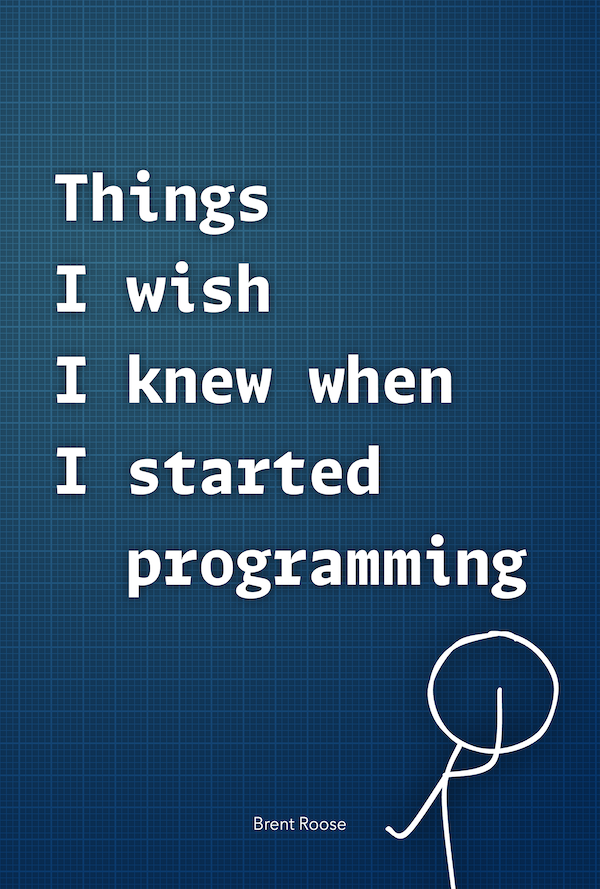
This is my newest book aimed at programmers of any skill level. This book isn't about patterns, principles, or best practices; there's actually barely any code in it. It's about the many things I've learned along the way being a professional programmer, and about the many, many mistakes I made along that way as well. It's what I wish someone would have told me years ago, and I hope it might inspire you.
0 Comments
Log in to join the conversation.No comments yet. Be the first to share your thoughts.