
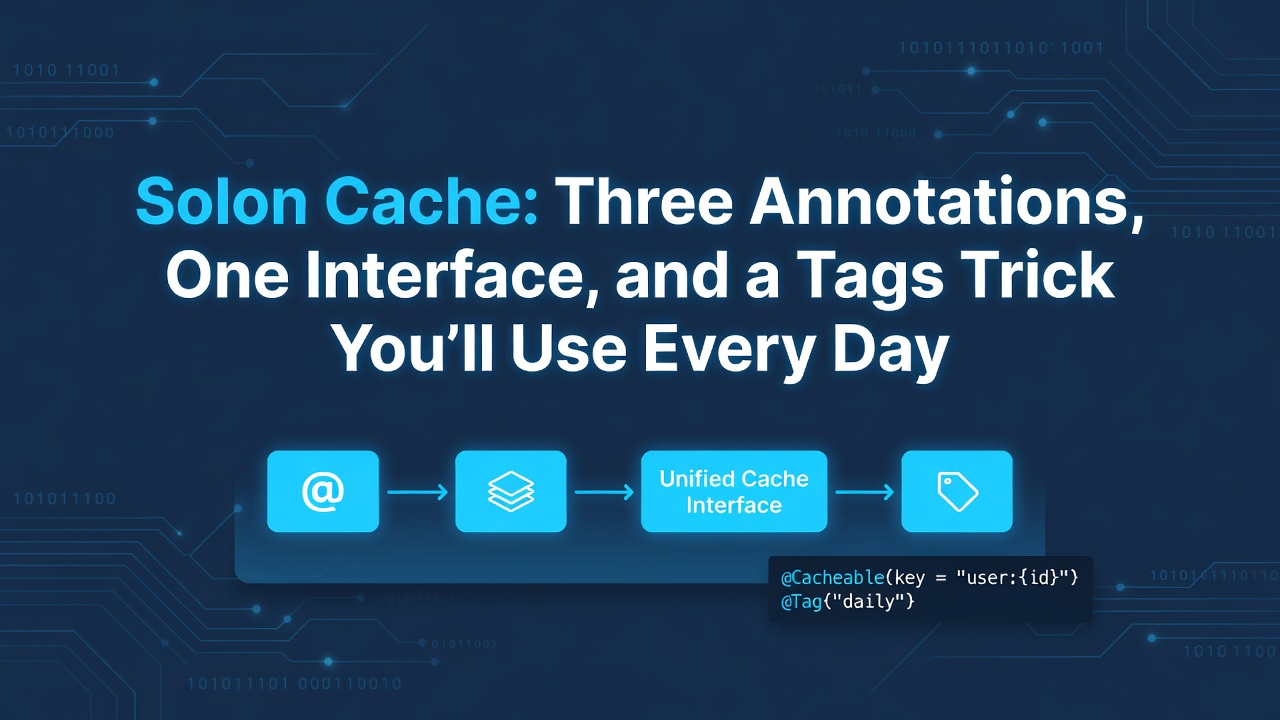
I've been writing Solon for a while now, and one thing that surprised me early on was how clean the caching layer is. Not because it does anything revolutionary — it doesn't — but because it stays out of your way while still handling the edge cases you actually hit in production.
Let me walk through what I've learned.
The Three Annotations
Solon gives you exactly three annotations for caching. No more, no less:
-
@Cache— read-through cache. If the key exists, return it; otherwise run the method and store the result. -
@CachePut— always run the method, then update the cache with the result. -
@CacheRemove— run the method, then evict one or more cache entries.
Here's a minimal example that shows all three:
@Controller
public class CacheController {
    @Cache(key = "user:${userId}", seconds = 30)
    @Mapping("/user/{userId}")
    public User getUser(int userId) {
        return userService.findById(userId);
    }

    @CachePut(key = "user:${userId}")
    @Mapping("/user/{userId}/refresh")
    public User refreshUser(int userId) {
        return userService.findById(userId);
    }

    @CacheRemove(tags = "users")
    @Mapping("/user/{userId}/delete")
    public String deleteUser(int userId) {
        userService.delete(userId);
        return "deleted";
    }
}
Enter fullscreen mode Exit fullscreen mode
The @CacheRemove(tags = "users") line is worth a closer look — it's doing something that's surprisingly hard with most annotation-based caching systems.
The Tags Trick
Most caching frameworks give you key-based eviction. You know the key, you remove it. Fine for simple cases, but what about "invalidate all user-related caches"?
That's where tags come in. When you annotate a method with @Cache(tags = "users"), Solon doesn't just store the value under the computed key — it also records that key in a tag index. Later, when you call @CacheRemove(tags = "users"), it finds all keys associated with that tag and evicts them all.
@Cache(key = "user:${userId}", tags = "users")
@Mapping("/user/{userId}")
public User getUser(int userId) { ... }

@Cache(key = "user:${userId}:profile", tags = "users")
@Mapping("/user/{userId}/profile")
public Profile getProfile(int userId) { ... }

// Both caches get cleared in one shot
@CacheRemove(tags = "users")
@Mapping("/admin/users/flush")
public String flushUsers() { ... }
Enter fullscreen mode Exit fullscreen mode
I use this pattern constantly for paginated lists. You cache page 1, page 2, page 3 of search results — all tagged with "search". When new data comes in, one @CacheRemove(tags = "search") wipes them all.
The docs do warn you about one thing: tags work by storing the collected keys as a list, so don't tag thousands of keys with the same tag. For most real-world scenarios — a few dozen to a few hundred keys per tag — it's perfectly fine.
Key Templates: Beyond Simple Strings
The key parameter supports ${} expressions that resolve against method parameters:
// Simple parameter
@Cache(key = "user:${userId}")
public User getUser(int userId) { ... }

// Nested property
@Cache(key = "user:${user.id}")
public User getUser(UserDto user) { ... }

// Map key
@Cache(key = "result:${params.type}")
public List<Result> search(Map<String, String> params) { ... }
Enter fullscreen mode Exit fullscreen mode
If you don't specify a key, Solon auto-generates one from an MD5 of all parameter names and values. It works, but I'd recommend always providing an explicit key — it makes debugging and manual inspection much easier.
There's also a special ${.property} syntax for referencing the return value, which is mainly useful with @CachePut:
@CachePut(key = "order:${.orderId}")
public Order createOrder(CreateRequest req) {
    // ... create order, return it
}
Enter fullscreen mode Exit fullscreen mode
The Interface That Makes It Swappable
Under the hood, all caching goes through CacheService:
public interface CacheService {
    void store(String key, Object obj, int seconds);
    Object get(String key);
    void remove(String key);
}
Enter fullscreen mode Exit fullscreen mode
Three methods. That's it. The default implementation is LocalCacheService — an in-memory cache that works fine for single-instance apps.
But the real power is that you can swap it out with a single bean definition:
@Configuration
public class Config {
    @Bean
    public CacheService cache(@Inject("${cache}") Properties props) {
        return new MemCacheService(props);
    }
}
Enter fullscreen mode Exit fullscreen mode
Once you define a CacheService bean, it replaces the default globally. All @Cache, @CachePut, and @CacheRemove annotations automatically use the new backend.
Switching Backends by Config
Solon also provides a CacheServiceSupplier that picks the backend based on config:
demo.cache1:
  driverType: "local"
  # driverType: "redis"
  # driverType: "memcached"
Enter fullscreen mode Exit fullscreen mode
@Bean
public CacheService cache1(@Inject("${demo.cache1}") CacheServiceSupplier supplier) {
    return supplier.get();
}
Enter fullscreen mode Exit fullscreen mode
Supported backends out of the box:
| Backend | Plugin | Notes |
|---|---|---|
| Local |
solon-data (built-in) |
Default, no extra dependency |
| Redis |
solon-cache-jedis or solon-cache-redisson
|
Pick your client |
| Memcached | solon-cache-spymemcached |
Old but still around |
Second-Level Cache: Local + Remote
One pattern I've found useful in read-heavy services is the second-level cache. It layers a local in-memory cache in front of a remote one (Redis, Memcached):
@Bean
public CacheService cache1(@Inject("${demo.cache1}") CacheServiceSupplier supplier) {
    CacheService remote = supplier.get();

    if (remote instanceof LocalCacheService) {
        return remote;
    }

    // Local L1 + remote L2, with a 5-second buffer
    LocalCacheService local = new LocalCacheService();
    return new SecondCacheService(local, remote, 5);
}
Enter fullscreen mode Exit fullscreen mode
The "buffer" means: when the local cache misses but the remote cache hits, the result is stored locally for 5 seconds. Subsequent reads within those 5 seconds hit the local cache directly — no network round trip. For hot data, this can cut Redis load significantly.
Partition Design
Once you have multiple services sharing the same Redis instance, you'll want to partition your caches. Solon supports this through named cache services:
demo.cache.user:
  keyHeader: "user"
  server: "localhost:6379"
  db: 0

demo.cache.order:
  keyHeader: "order"
  server: "localhost:6379"
  db: 1
Enter fullscreen mode Exit fullscreen mode
@Configuration
public class Config {
    @Bean("cache_user")
    public CacheService cacheUser(@Inject("${demo.cache.user}") RedisCacheService cache) {
        return cache.enableMd5key(false);
    }

    @Bean("cache_order")
    public CacheService cacheOrder(@Inject("${demo.cache.order}") RedisCacheService cache) {
        return cache.enableMd5key(false);
    }
}
Enter fullscreen mode Exit fullscreen mode
Then use them in your services:
@Component
public class OrderService {
    @Cache(service = "cache_order")
    public String hello(String name) {
        return String.format("Hello %s!", name);
    }
}
Enter fullscreen mode Exit fullscreen mode
Different databases, different key prefixes, and the annotation just needs a service attribute to pick the right one.
What I'd Change
If I had one nit to pick, it's that the auto-generated key (when you don't specify one) is an MD5 of all parameters. In practice, I always specify an explicit key, so this hasn't been an issue for me. But for someone new to the framework, it might cause confusion when they see opaque hash strings in their cache store.
Bottom Line
Solon's caching layer is refreshingly simple. Three annotations, one interface, and a tags system that handles batch invalidation better than most frameworks I've used. The CacheService interface is trivial to implement, which means you can plug in basically any backend you want — or write a custom one for your specific use case.
If you're already using Solon, the caching annotations are in the solon-data module, which you probably already have as a dependency. Just add @Cache and you're done.
0 Comments
Log in to join the conversation.No comments yet. Be the first to share your thoughts.