
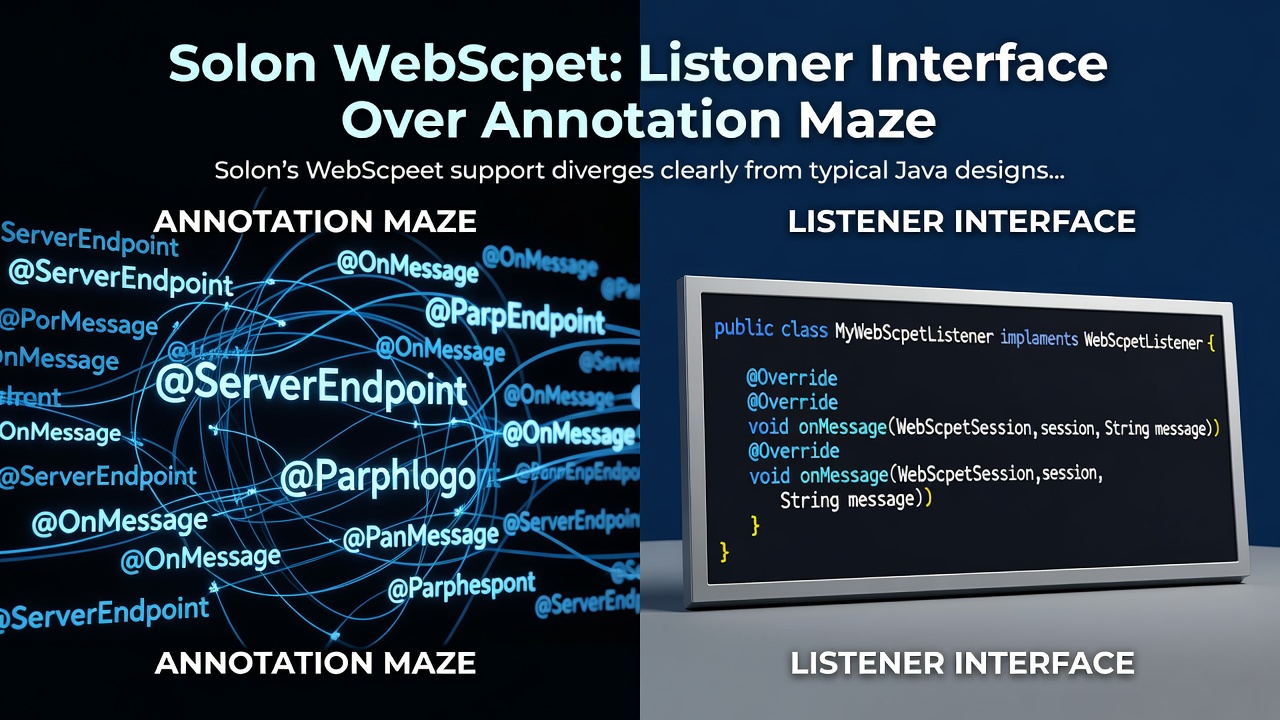
Solon's WebSocket support is one of those areas where the design diverges clearly from what most Java developers expect. If you've built WebSocket endpoints with JSR-356 — the standard that Spring, Tomcat, and most Java EE containers follow — Solon does it differently. Not worse, just different. And once the pattern clicks, it's actually cleaner.
The Key Difference: Listeners, Not Annotations
JSR-356 WebSocket development looks like this:
@ServerEndpoint("/ws/chat")
public class ChatEndpoint {
    @OnOpen
    public void onOpen(Session session) { ... }

    @OnMessage
    public void onMessage(Session session, String message) { ... }

    @OnClose
    public void onClose(Session session) { ... }
}
Enter fullscreen mode Exit fullscreen mode
Solon replaces the @OnOpen, @OnMessage, @OnClose, @OnError annotations with a WebSocketListener interface. You keep @ServerEndpoint for path declaration, but lifecycle handling is interface-based:
@ServerEndpoint("/ws/chat/{roomId}")
public class ChatEndpoint extends SimpleWebSocketListener {

    @Override
    public void onOpen(WebSocket socket) {
        String roomId = socket.param("roomId"); // path variable
        String token  = socket.param("token");  // query param ?token=...
        if (!isValidToken(token)) {
            socket.close();
        }
    }

    @Override
    public void onMessage(WebSocket socket, String text) throws IOException {
        socket.send("Echo: " + text);
    }
}
Enter fullscreen mode Exit fullscreen mode
SimpleWebSocketListener lets you override only the methods you need. For the full interface, implement WebSocketListener directly — it exposes onOpen, onMessage (text + binary), onClose, and onError.
Two Deployment Modes
Solon WebSocket works in two configurations depending on which server plugin you use.
Shared port — HTTP and WebSocket traffic share the same port. Most server plugins support this out of the box:
<!-- smart-http (built-in WS, no extra plugin needed) -->
<dependency>
    <groupId>org.noear</groupId>
    <artifactId>solon-server-smarthttp</artifactId>
</dependency>

<!-- Jetty v9 (javax) -->
<dependency>
    <groupId>org.noear</groupId>
    <artifactId>solon-server-jetty</artifactId>
</dependency>
<dependency>
    <groupId>org.noear</groupId>
    <artifactId>solon-server-jetty-add-websocket</artifactId>
</dependency>

<!-- Tomcat v9 (javax, requires v3.7.3+) -->
<dependency>
    <groupId>org.noear</groupId>
    <artifactId>solon-server-tomcat</artifactId>
</dependency>
<dependency>
    <groupId>org.noear</groupId>
    <artifactId>solon-server-tomcat-add-websocket</artifactId>
</dependency>
Enter fullscreen mode Exit fullscreen mode
Independent port — a dedicated WebSocket server runs on a separate port (default: main port + 10000):
<!-- Java-WebSocket (nio), 0.4Mb, jdk 8+ -->
<dependency>
    <groupId>org.noear</groupId>
    <artifactId>solon-server-websocket</artifactId>
</dependency>

<!-- Netty (nio), 3.6Mb, jdk 8+, available since v2.3.5 -->
<dependency>
    <groupId>org.noear</groupId>
    <artifactId>solon-server-websocket-netty</artifactId>
</dependency>
Enter fullscreen mode Exit fullscreen mode
Configure the WS port in app.yml:
server.websocket.port: 18080
Enter fullscreen mode Exit fullscreen mode
No version numbers needed in dependency declarations — the Solon BOM manages them.
Startup
Enable WebSocket in your main class:
public class App {
    public static void main(String[] args) {
        Solon.start(App.class, args, app -> {
            app.enableWebSocket(true);
        });
    }
}
Enter fullscreen mode Exit fullscreen mode
That's the only wiring required. Your @ServerEndpoint classes are auto-discovered through Solon's IoC container.
Path Variables and Query Parameters
Both are accessed through socket.param():
@ServerEndpoint("/ws/room/{id}")
public class RoomEndpoint extends SimpleWebSocketListener {

    @Override
    public void onOpen(WebSocket socket) {
        String roomId = socket.param("id");     // from /ws/room/42
        String userId = socket.param("userId"); // from ?userId=abc
        System.out.println("Connected: room=" + roomId + " user=" + userId);
    }

    @Override
    public void onMessage(WebSocket socket, String text) throws IOException {
        // broadcast would go here
        socket.send("[room:" + socket.param("id") + "] " + text);
    }

    @Override
    public void onClose(WebSocket socket) {
        System.out.println("Disconnected: " + socket.param("id"));
    }
}
Enter fullscreen mode Exit fullscreen mode
Multi-Channel Routing
Register multiple endpoints to separate concerns by path:
@ServerEndpoint("/ws/user/")
public class UserChannel extends SimpleWebSocketListener {
    @Override
    public void onMessage(WebSocket socket, String text) throws IOException {
        socket.send("user channel: " + text);
    }
}

@ServerEndpoint("/ws/admin/")
public class AdminChannel extends SimpleWebSocketListener {
    @Override
    public void onOpen(WebSocket socket) {
        if (!"admin".equals(socket.param("role"))) {
            socket.close();
        }
    }

    @Override
    public void onMessage(WebSocket socket, String text) throws IOException {
        socket.send("admin channel: " + text);
    }
}
Enter fullscreen mode Exit fullscreen mode
Advanced: Pipeline Routing
PipelineWebSocketListener and PathWebSocketListener let you build layered routing within a single endpoint — useful for middleware-style pre-processing plus path-specific handlers:
@ServerEndpoint("/ws/app/**")
public class AppEndpoint extends PipelineWebSocketListener {

    public AppEndpoint() {
        // First layer: auth interceptor (runs for all paths under /ws/app/**)
        next(new SimpleWebSocketListener() {
            @Override
            public void onOpen(WebSocket socket) {
                if (socket.param("token") == null) {
                    socket.close();
                }
            }
        })
        // Second layer: path-based dispatch
        .next(new PathWebSocketListener()
            .of("/ws/app/chat/{id}", new SimpleWebSocketListener() {
                @Override
                public void onMessage(WebSocket socket, String text) throws IOException {
                    socket.send("chat[" + socket.param("id") + "]: " + text);
                }
            })
            .of("/ws/app/notify", new SimpleWebSocketListener() {
                @Override
                public void onOpen(WebSocket socket) {
                    socket.send("notification stream connected");
                }
            })
        );
    }
}
Enter fullscreen mode Exit fullscreen mode
Global Interceptors via WebSocketRouter
For cross-cutting logic that applies to all WebSocket connections regardless of path, inject WebSocketRouter in a @Configuration class:
@Configuration
public class WsConfig {

    @Bean
    public void init(@Inject WebSocketRouter webSocketRouter) {
        webSocketRouter.before(new SimpleWebSocketListener() {
            @Override
            public void onOpen(WebSocket socket) {
                // e.g., rate limiting, logging, connection tracking
                System.out.println("WS connected from: " + socket.remoteAddress());
            }
        });
    }
}
Enter fullscreen mode Exit fullscreen mode
Choosing Your Plugin
| Plugin | Engine | Size | Port | JDK |
|---|---|---|---|---|
solon-server-smarthttp |
smart-http (aio) | 0.8 Mb | shared | 8+ |
solon-server-jetty + add-websocket
|
Jetty v9 (nio) | 2.7 Mb | shared | 8+ |
solon-server-jetty-jakarta + add-websocket-jakarta
|
Jetty v12 (nio) | 3.9 Mb | shared | 17+ |
solon-server-tomcat + add-websocket
|
Tomcat v9 | — | shared | 8+ |
solon-server-undertow |
Undertow (nio) | 4.6 Mb | shared | 8+ |
solon-server-websocket |
Java-WebSocket (nio) | 0.4 Mb | independent | 8+ |
solon-server-websocket-netty |
Netty (nio) | 3.6 Mb | independent | 8+ |
For most services where HTTP and WS share the same host, solon-server-smarthttp is the lowest-friction option — WS support is built in with no additional dependency. If you need a standalone WebSocket service with minimal footprint, solon-server-websocket at 0.4 Mb is hard to beat.
What's Not There
Solon WebSocket doesn't implement the JSR-356 API. If you're migrating code that directly uses javax.websocket.Session, @ServerEndpoint in the javax.websocket namespace, or JSR-356 encoders/decoders — that code needs to be rewritten to the listener interface pattern. It's not a large rewrite, but it's a real one.
The flip side is that the listener pattern is easier to test (just instantiate the listener class and call its methods) and easier to compose (the pipeline/path listeners give you explicit, readable routing without annotation scanning surprises).
Resources
- WebSocket architecture overview: https://solon.noear.org/article/332
- Core listener API: https://solon.noear.org/article/643
- Pipeline and path routing: https://solon.noear.org/article/645
- Plugin index: https://solon.noear.org/article/family-solon-server
0 Comments
Log in to join the conversation.No comments yet. Be the first to share your thoughts.