
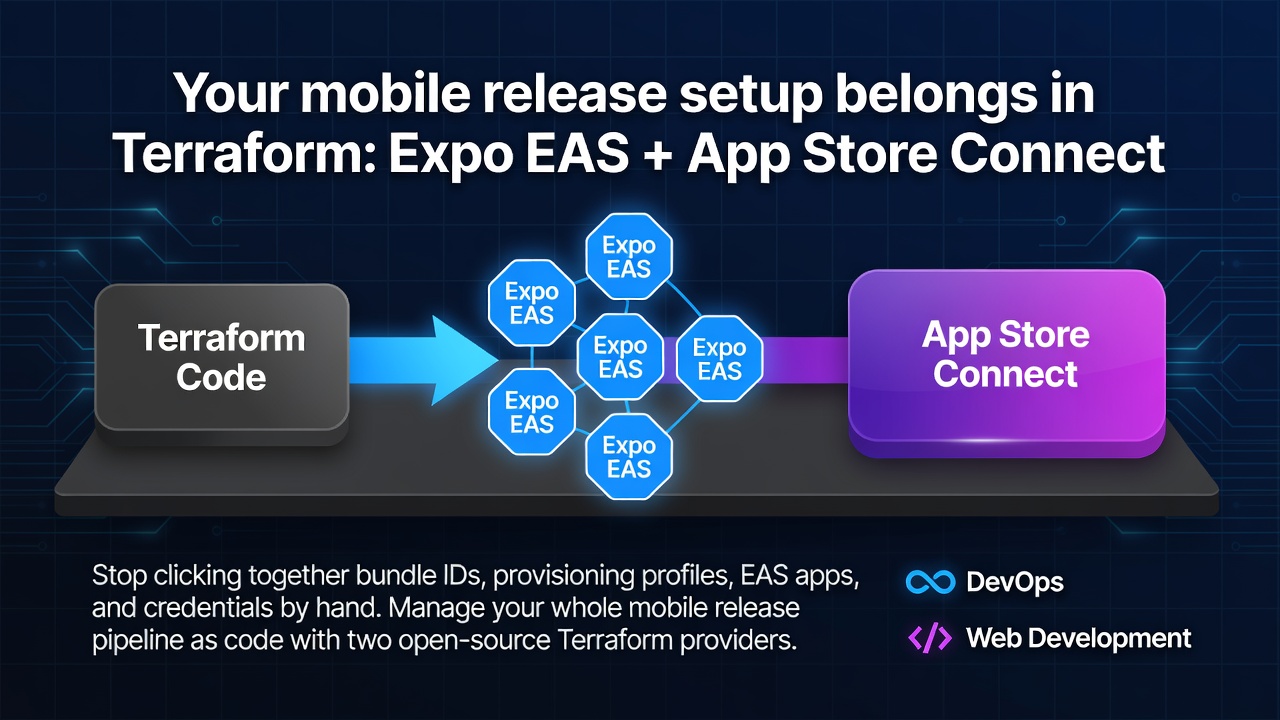

If you ship a React Native / Expo app to the App Store, you know the ritual. Open the Apple Developer portal, create a bundle identifier, tick the capability checkboxes, generate a provisioning profile, pick the right certificate. Then hop over to the Expo dashboard, create the EAS app, wire up credentials, add your environment variables one screen at a time.
It works, until you have to do it again for a second app, or a second environment, or a teammate needs to know why a capability is enabled. None of it is written down. It drifts. And the usual mobile tooling doesn't help much here: fastlane and the EAS CLI are great, but they're imperative — scripts that do things — not a declarative description of what your release setup should be.
That's the gap these two providers fill:
-
elevenode/appstore— App Store Connect: bundle identifiers, provisioning profiles, certificates. -
elevenode/expo— Expo Application Services (EAS): apps, credentials, environment variables, update channels.
Both are open source (Apache 2.0) and published on the Terraform Registry. Let's use them together to describe a mobile app's release setup as code.
What you'll need
- Terraform (or OpenTofu)
- An App Store Connect API key (Users and Access → Integrations → App Store Connect API): the key, its key ID, and your issuer ID
- An Expo access token (expo.dev → account settings → Access Tokens) and your Expo account name
Export the credentials as environment variables so nothing sensitive lands in your config:
export APPSTORE_KEY="$(cat AuthKey_XXXX.p8)"
export APPSTORE_KEY_ID="XXXXXXXXXX"
export APPSTORE_KEY_ISSUER_ID="xxxxxxxx-xxxx-xxxx-xxxx-xxxxxxxxxxxx"

export EXPO_TOKEN="your-expo-access-token"
export EXPO_ACCOUNT_NAME="your-account-name"
Enter fullscreen mode Exit fullscreen mode
Wiring up both providers
terraform {
  required_providers {
    appstore = {
      source = "elevenode/appstore"
    }
    expo = {
      source = "elevenode/expo"
    }
  }
}

# Reads APPSTORE_KEY / APPSTORE_KEY_ID / APPSTORE_KEY_ISSUER_ID from the env.
provider "appstore" {}

# Reads EXPO_TOKEN / EXPO_ACCOUNT_NAME from the env.
provider "expo" {}
Enter fullscreen mode Exit fullscreen mode
terraform init pulls both providers from the registry.
Part 1 — the Apple side
First, the bundle identifier and the capabilities it needs. This replaces the checkbox screen in the Developer portal:
resource "appstore_bundle_identifier" "app" {
  name       = "Acme"
  identifier = "com.acme.app"
  platform   = "IOS"

  capabilities = [
    "PUSH_NOTIFICATIONS",
    "APPLE_ID_AUTH",
    "IN_APP_PURCHASE",
  ]
}
Enter fullscreen mode Exit fullscreen mode
Then a provisioning profile that ties that bundle ID to a signing certificate. Certificate IDs come from your Apple account (you can pass them in as a variable so the config stays portable):
variable "distribution_certificate_ids" {
  type        = list(string)
  description = "App Store Connect certificate IDs to embed in the profile."
}

resource "appstore_provisioning_profile" "app_store" {
  name                 = "Acme App Store"
  type                 = "IOS_APP_STORE"
  bundle_identifier_id = appstore_bundle_identifier.app.id
  certificate_ids      = var.distribution_certificate_ids
}
Enter fullscreen mode Exit fullscreen mode
Notice the bundle_identifier_id reference — Terraform now knows the profile depends on the bundle ID and will create them in the right order. That dependency was invisible when you did this by hand.
Part 2 — the Expo side
Create the EAS app, then declare its environment variables instead of typing them into the dashboard:
resource "expo_app" "app" {
  name = "Acme"
  slug = "acme"
}

resource "expo_app_variable" "api_url" {
  app_id       = expo_app.app.id
  name         = "API_URL"
  value        = "https://api.acme.com"
  visibility   = "PUBLIC"
  environments = ["PRODUCTION"]
}
Enter fullscreen mode Exit fullscreen mode
You can drive EAS Update from here too. Define a branch and a channel that maps updates onto it:
resource "expo_update_branch" "production" {
  app_id = expo_app.app.id
  name   = "production"
}

resource "expo_update_channel" "production" {
  app_id = expo_app.app.id
  name   = "production"

  branch_mapping = jsonencode({
    version = 0
    data = [{
      branchId           = expo_update_branch.production.id
      branchMappingLogic = "true"
    }]
  })
}
Enter fullscreen mode Exit fullscreen mode
Apply it
terraform apply
Enter fullscreen mode Exit fullscreen mode
Terraform shows you the full plan — the bundle ID, its capabilities, the profile, the EAS app, its variables, the update channel — before anything is created. Approve it, and your entire mobile release setup exists, described in one place.
Now the interesting part: run it again against a fresh Apple team and Expo account and you get an identical setup. Change a capability in the config, open a PR, and your teammate can review the diff before it hits Apple. Delete a resource from the config and terraform plan tells you exactly what will be removed. That's the whole point of infrastructure as code, finally applied to the part of mobile that always lived in web consoles.
Try it
Both providers are open source and take issues and pull requests:
- App Store Connect: github.com/elevenode/terraform-provider-appstore (registry)
- Expo EAS: github.com/elevenode/terraform-provider-expo (registry)
If they save you some clicking, a star helps other people find them. And if there's a resource you wish existed, open an issue — that's exactly the kind of feedback that shapes what gets built next.
0 Comments
Log in to join the conversation.No comments yet. Be the first to share your thoughts.