
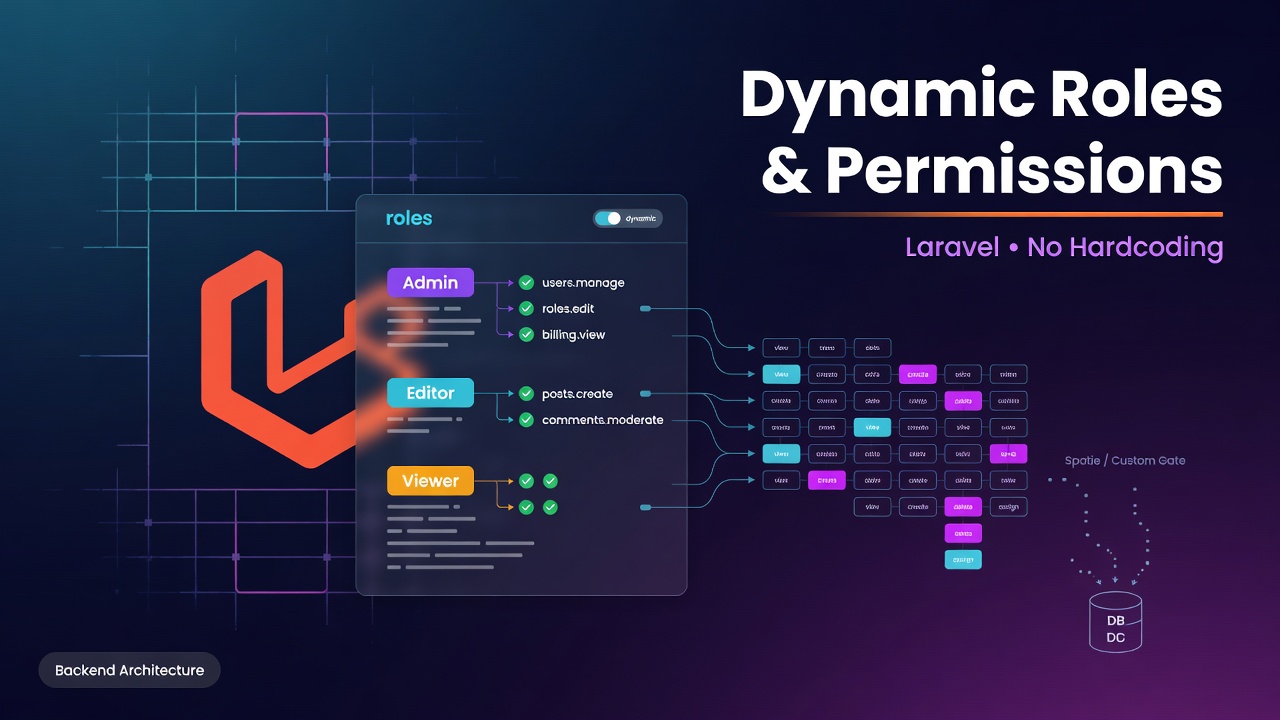
When building web applications, basic authentication is rarely enough. Whether you're working on a multi-tenant SaaS, an admin portal, or an enterprise dashboard, you'll inevitably hit a point where you need Role-Based Access Control (RBAC).
Many developers start by hardcoding checks into their controllers or views:
if ($user->role === 'admin') {
    // allow access
}
Enter fullscreen mode Exit fullscreen mode
While this works for simple apps, hardcoding logic quickly breaks down when client requirements evolve. What happens when you need an Editor, a Moderator, or a custom role with a specific, mixed set of permissions?
In this post, we’ll build a dynamic, database-driven Role & Permission system in Laravel that can be configured directly from an admin panel without redeploying code.
- Defining the Architecture
A dynamic RBAC system consists of three main entities linked via many-to-many relationships:
Users — Can hold one or multiple roles.
Roles — Groups of permissions (e.g., Admin, Editor, Manager).
Permissions — Specific capabilities (e.g., posts.create, users.delete).
+------------+       +------------+       +-----------------+
|   Users    | M <-> |   Roles    | M <-> |   Permissions   |
+------------+       +------------+       +-----------------+
Enter fullscreen mode Exit fullscreen mode
Database Tables Needed:
- users
- roles
- permissions
- role_user (Pivot table)
- permission_role (Pivot table)
- Setting Up Migrations & Models
Let's generate our models and pivot migrations:
Bash:

php artisan make:model Role -m
php artisan make:model Permission -m
Enter fullscreen mode Exit fullscreen mode
Roles Migration (create_roles_table.php):
**PHP**

Schema::create('permissions', function (Blueprint $table) {
    $table->id();$table->string('name')->unique(); // e.g. "Edit Articles"
    $table->string('slug')->unique(); // e.g. "articles.edit"
    $table->timestamps();
});
Enter fullscreen mode Exit fullscreen mode
Pivot Tables Migration
**PHP**

// role_user pivot

Schema::create('role_user', function (Blueprint $table) {$table->foreignId('user_id')->constrained()->onDelete('cascade');
    $table->foreignId('role_id')->constrained()->onDelete('cascade');$table->primary(['user_id', 'role_id']);
});


// permission_role pivot

Schema::create('permission_role', function (Blueprint $table) {$table->foreignId('permission_id')->constrained()->onDelete('cascade');
    $table->foreignId('role_id')->constrained()->onDelete('cascade');$table->primary(['permission_id', 'role_id']);
});
Enter fullscreen mode Exit fullscreen mode
- Defining Relationships & Helper Methods
Next, let's create a trait to make our User model dynamic and clean.
Create app/Traits/HasPermissions.php:
namespace App\Traits;

use App\Models\Role;
use App\Models\Permission;
use Illuminate\Database\Eloquent\Relations\BelongsToMany;

trait HasPermissions
{
    public function roles(): BelongsToMany
    {
        return $this->belongsToMany(Role::class);
    }

    public function hasRole(...$roles): bool
    {
        foreach ($roles as$role) {
            if ($this->roles->contains('slug',$role)) {
                return true;
            }
        }
        return false;
    }

    public function hasPermissionTo($permission): bool
    {
        return $this->hasPermissionThroughRole($permission);
    }

    protected function hasPermissionThroughRole($permission): bool
    {
        foreach ($permission->roles as$role) {
            if ($this->roles->contains($role)) {
                return true;
            }
        }
        return false;
    }
}
Enter fullscreen mode Exit fullscreen mode
Now include this trait in your User.php model:
use App\Traits\HasPermissions;

class User extends Authenticatable
{
    use HasPermissions;

    // ... rest of model
}
Enter fullscreen mode Exit fullscreen mode
- Hooking Into Laravel’s Gate Mechanism
To keep your Blade templates and Controllers standard, register dynamic dynamic permission checks inside AuthServiceProvider.php (or an application Bootstrapper in Laravel 11/12).
Inside App\Providers\AuthServiceProvider.php:
namespace App\Providers;

use App\Models\Permission;
use Illuminate\Support\Facades\Gate;
use Illuminate\Foundation\Support\Providers\AuthServiceProvider as ServiceProvider;

class AuthServiceProvider extends ServiceProvider
{
    public function boot(): void
    {
        $this->registerPolicies();

        try {
            Permission::get()->map(function ($permission) {
                Gate::define($permission->slug, function ($user) use ($permission) {
                    return $user->hasPermissionTo($permission);
                });
            });
        } catch (\Exception $e) {
            // Catches exceptions during migrations
            report($e);
        }
    }
}
Enter fullscreen mode Exit fullscreen mode
- Protecting Routes and UI Elements
Once Gates are defined dynamically from your database, you can use built-in Laravel features everywhere without hardcoding!
In Blade Views:
@can('articles.edit')
    <a href="{{ route('articles.edit', $article->id) }}" class="btn btn-primary">
        Edit Article
    </a>
@endcan


public function edit(Article $article)
{
    $this->authorize('articles.edit');

    return view('articles.edit', compact('article'));
}

In Middleware / Route Definitions:

Route::middleware(['can:articles.delete'])->group(function () {
    Route::delete('/articles/{article}', [ArticleController::class, 'destroy']);
});
Enter fullscreen mode Exit fullscreen mode
php
- Pro Tip: Performance & Caching
Querying database permissions on every single request or Gate evaluation can cause performance bottlenecks. Always wrap your dynamic Gate definitions in Laravel’s Cache API:
$permissions = Cache::rememberForever('global_permissions', function () {
    return Permission::with('roles')->get();
});

foreach ($permissions as$permission) {
    Gate::define($permission->slug, function ($user) use ($permission) {
        return $user->hasPermissionTo($permission);
    });
}
Enter fullscreen mode Exit fullscreen mode
php
Remember to flush Cache::forget('global_permissions') whenever a role or permission is created, updated, or reassigned from your admin UI!
Conclusion & Next Steps
Building a custom, dynamic RBAC system gives you total control over application access levels without relying heavily on third-party packages when custom business rules are required.
Need help building custom web applications, enterprise dashboards, or upgrading your existing PHP & Laravel infrastructure?
👉 Partner with Software Solutions for custom backend development, architecture design, and scalable web solutions tailored to your business needs.
What approach do you take for access control in your Laravel apps? Let me know in the comments below!
0 Comments
Log in to join the conversation.No comments yet. Be the first to share your thoughts.