
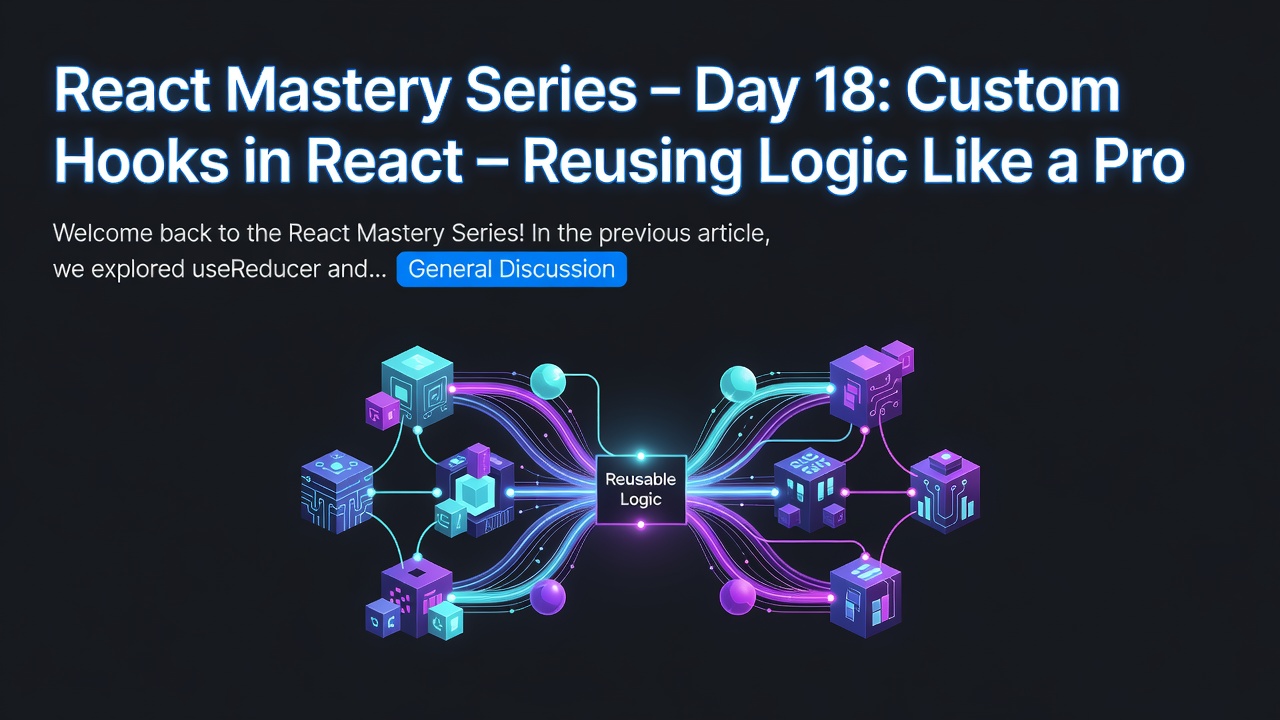
Welcome back to the React Mastery Series!
In the previous article, we explored useReducer and learned how it helps manage complex state transitions in a predictable way.
As React applications grow, another challenge emerges:
How do we avoid repeating the same logic across multiple components?
Imagine implementing:
- API calls
- Authentication
- Form validation
- Window resize detection
- Debouncing search input
- Online/offline status monitoring
If every component contains the same logic, the application quickly becomes difficult to maintain.
React solves this elegantly using:
Custom Hooks
Custom Hooks allow you to extract reusable stateful logic into reusable functions.
What is a Custom Hook?
A Custom Hook is simply a JavaScript function that:
- Starts with the word
use - Can use other React Hooks
- Encapsulates reusable logic
- Can be shared across multiple components
Example:
function useCounter() {

  const [count, setCount] = useState(0);

  const increment = () => setCount(c => c + 1);

  return {
    count,
    increment
  };
}
Enter fullscreen mode Exit fullscreen mode
Now any component can use it like a built-in Hook.
const { count, increment } = useCounter();
Enter fullscreen mode Exit fullscreen mode
Why Do We Need Custom Hooks?
Consider two components.
User Dashboard
useEffect(() => {
  fetchUsers();
}, []);
Enter fullscreen mode Exit fullscreen mode
Admin Dashboard
useEffect(() => {
  fetchUsers();
}, []);
Enter fullscreen mode Exit fullscreen mode
Both components contain identical logic.
This leads to:
- Duplicate code
- Difficult maintenance
- Higher chance of bugs
Instead, extract the logic into a Custom Hook.
Creating Your First Custom Hook
Example:
import { useState } from "react";

function useCounter() {

  const [count, setCount] = useState(0);

  const increment = () =>
    setCount(c => c + 1);

  const decrement = () =>
    setCount(c => c - 1);

  return {
    count,
    increment,
    decrement
  };

}
Enter fullscreen mode Exit fullscreen mode
Using it:
function Counter() {

  const {
    count,
    increment,
    decrement
  } = useCounter();

  return (
    <>
      <h2>{count}</h2>

      <button onClick={increment}>+</button>

      <button onClick={decrement}>-</button>
    </>
  );

}
Enter fullscreen mode Exit fullscreen mode
The logic is reusable and isolated.
Real-World Example: Fetching Data
Many components fetch data from APIs.
Instead of repeating this logic, create a reusable Hook.
function useUsers() {

  const [users, setUsers] = useState([]);
  const [loading, setLoading] = useState(true);

  useEffect(() => {

    fetch("/api/users")
      .then(response => response.json())
      .then(data => {
        setUsers(data);
        setLoading(false);
      });

  }, []);

  return {
    users,
    loading
  };

}
Enter fullscreen mode Exit fullscreen mode
Now multiple components can simply do:
const {users, loading} = useUsers();
Enter fullscreen mode Exit fullscreen mode
No duplicated fetching logic.
Example: Window Width Hook
Imagine several pages need the browser width.
Instead of adding event listeners everywhere:
function useWindowWidth() {
  const [width, setWidth] = useState(window.innerWidth);

  useEffect(() => {
    const handleResize = () => setWidth(window.innerWidth);
    window.addEventListener("resize", handleResize);

    return () => {
      window.removeEventListener("resize",handleResize);
    };

  }, []);

  return width;
}
Enter fullscreen mode Exit fullscreen mode
Usage:
const width = useWindowWidth();
Enter fullscreen mode Exit fullscreen mode
Every component now shares the same reusable logic.
Example: Online Status Hook
Modern applications often need to know if the user is online.
function useOnlineStatus() {

  const [online, setOnline] = useState(navigator.onLine);

  useEffect(() => {
    const goOnline = () => setOnline(true);
    const goOffline = () => setOnline(false);
    window.addEventListener("online",goOnline);
    window.addEventListener("offline",goOffline);

    return () => {
      window.removeEventListener("online",goOnline);
      window.removeEventListener("offline",goOffline);
    };
  }, []);
  return online;
}
Enter fullscreen mode Exit fullscreen mode
Usage:
const isOnline = useOnlineStatus();
Enter fullscreen mode Exit fullscreen mode
Perfect for:
- Banking apps
- Chat applications
- Video conferencing
- Trading platforms
Custom Hooks Can Use Other Hooks
A common misconception is that Custom Hooks are different from React Hooks.
In reality, they are built using existing Hooks.
Example:
Custom Hook
     |
     ├── useState
     ├── useEffect
     ├── useContext
     ├── useReducer
     └── useRef
Enter fullscreen mode Exit fullscreen mode
You can combine multiple Hooks inside one Custom Hook.
Sharing Logic, Not State
A very important concept:
Each component gets its own independent state.
Example:
const counter1 = useCounter();

const counter2 = useCounter();
Enter fullscreen mode Exit fullscreen mode
Result:
Counter 1 → 5

Counter 2 → 12
Enter fullscreen mode Exit fullscreen mode
Although the logic is shared, the state is not.
Each Hook instance is isolated.
Real-World Enterprise Example
Imagine a retail banking application.
Several pages need customer information.
Instead of writing:
Dashboard

↓

API Call

↓

Profile

↓

API Call

↓

Settings

↓

API Call
Enter fullscreen mode Exit fullscreen mode
Create:
const { customer, loading } = useCustomer();
Enter fullscreen mode Exit fullscreen mode
Now every page uses the same business logic.
Benefits:
- Less code
- Easier maintenance
- Consistent behavior
- Centralized API logic
Organizing Custom Hooks
A common project structure:
src
|
├── hooks
|     |
|     ├── useAuth.js
|     ├── useFetch.js
|     ├── useWindowWidth.js
|     ├── useTheme.js
|     └── useDebounce.js
|
├── components
|
└── pages
Enter fullscreen mode Exit fullscreen mode
Keeping Hooks in a dedicated folder improves project organization.
Common Custom Hooks
Many React projects contain Hooks like:
useAuth()useTheme()useFetch()useLocalStorage()useDebounce()usePrevious()useOnlineStatus()usePagination()
These Hooks encapsulate commonly used logic.
Common Mistakes
1. Not Prefixing with "use"
Incorrect:
function counter() {}
Enter fullscreen mode Exit fullscreen mode
Correct:
function useCounter() {}
Enter fullscreen mode Exit fullscreen mode
React relies on this naming convention to enforce the Rules of Hooks.
2. Calling Hooks Conditionally
Incorrect:
if (loggedIn) {
  useAuth();
}
Enter fullscreen mode Exit fullscreen mode
Hooks must always be called at the top level.
Correct:
const auth = useAuth();

if (loggedIn) {
  // Use auth here
}
Enter fullscreen mode Exit fullscreen mode
3. Putting UI Inside a Hook
Incorrect:
function useGreeting() {
  return <h1>Hello</h1>;
}
Enter fullscreen mode Exit fullscreen mode
Hooks should return:
- State
- Values
- Functions
They should not return JSX.
Best Practices
- Name every Custom Hook with the
useprefix. - Keep Hooks focused on one responsibility.
- Extract repeated logic into Hooks.
- Return only what consumers need.
- Keep UI rendering inside components.
- Document Hook inputs and outputs for team projects.
Key Takeaways
Today, we learned:
✅ Custom Hooks let you reuse stateful logic across components.
✅ A Custom Hook is simply a function that uses React Hooks.
✅ They reduce code duplication and improve maintainability.
✅ Custom Hooks share logic, not state.
✅ Organizing reusable Hooks makes large applications easier to manage.
Coming Next 🚀
In Day 19, we will explore:
Routing in React – Building Single Page Applications with React Router
We will learn:
- What routing is
- Why Single Page Applications need routing
- Installing React Router
- Creating routes
- Route parameters
- Nested routes
- Protected routes
- Navigation with
LinkanduseNavigate - Real-world authentication routing
Routing is a fundamental skill for every React developer and is used in virtually every production React application.
Happy Coding! 🚀
0 Comments
Log in to join the conversation.No comments yet. Be the first to share your thoughts.