
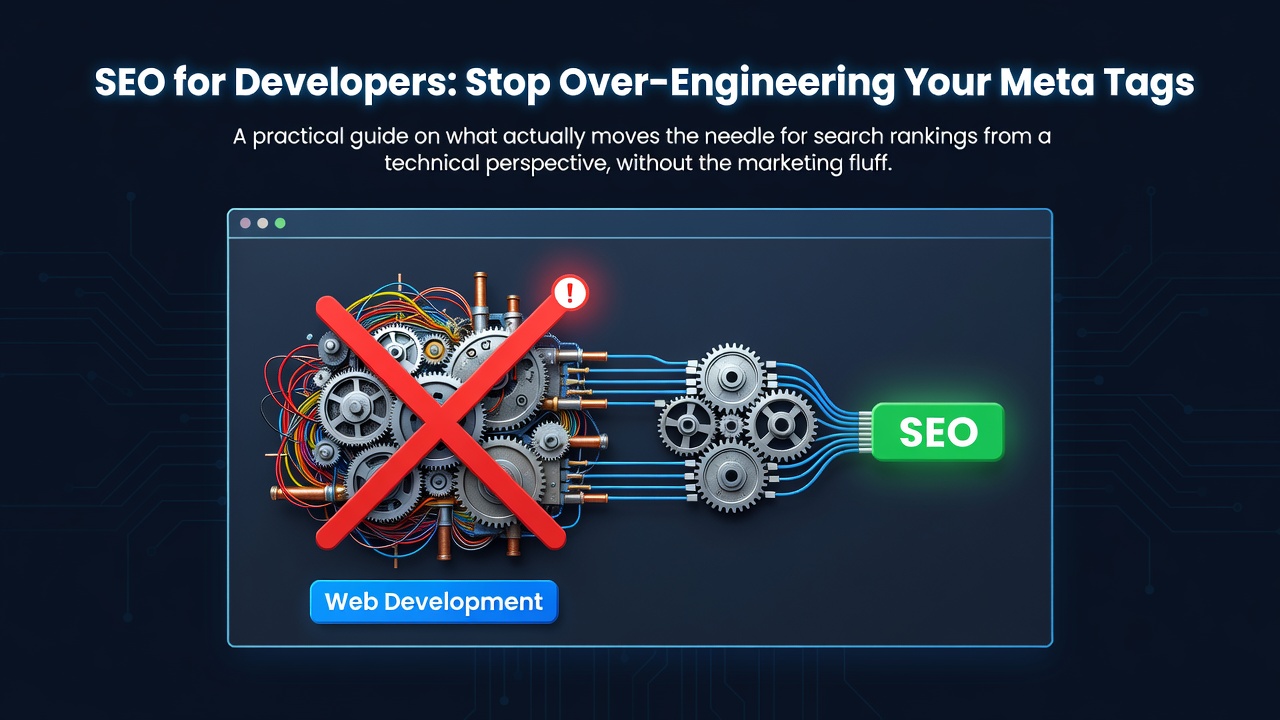

I spent three years thinking SEO was a magic black box. I thought as long as I had a sitemap.xml and some meta tags, the search engines would just figure it out. Then I built a project that had perfect lighthouse scores but zero traffic. That is when I realized that technical SEO is not about checking boxes. It is about how a crawler perceives your data structure.
The Core Web Vitals Trap
We love our 100/100 Lighthouse scores. But here is the reality: a fast site that has no structure will still rank lower than a slower site that is easy to parse. Do not spend forty hours optimizing an image by 2kb if your heading hierarchy is a mess.
Focus on Cumulative Layout Shift (CLS). Nothing kills a ranking faster than a page that jumps around while loading. If your hero image does not have defined dimensions, the browser pushes the content down. Google sees this as a poor user experience and penalizes it. Set your width and height attributes explicitly. It is a boring fix, but it works.
Stop Using Divs for Everything
I see this in almost every modern React or Vue project. Developers use a div for a button, a div for a header, and a div for the main content. To you, the CSS makes it look like a header. To a crawler, it is just a generic box.
Use semantic HTML. Use
, , , and . When you use an
, make sure there is only one per page. If you have five h1 tags, you are telling the crawler that five different things are the most important part of the page. That dilutes your signal.
The JSON-LD Secret
Meta tags are the bare minimum. If you want to actually rank, you need Structured Data. This is where JSON-LD comes in. Instead of hoping the crawler understands your page, you tell it exactly what the page is using a script tag with type="application/ld+json".
If you are building a blog, use the "BlogPosting" schema. If you are building a tool, use "SoftwareApplication". This allows search engines to create rich snippets, like showing star ratings or price points directly in the search results. This increases your click through rate far more than a slightly better meta description ever will.
Handling Client Side Rendering (CSR)
If you are using a framework like React or Vue without a meta-framework (like Next.js or Nuxt), you have a problem. Search engines do execute JavaScript, but they do it in two passes. First, they index the raw HTML. Then, they come back later to render the JS.
If your critical content only appears after a fetch call in a useEffect hook, you are gambling with your indexing speed. If you cannot move to Server Side Rendering (SSR), use pre-rendering tools to generate static HTML for your main landing pages. You want the crawler to see the content in the first request, not the second.
URL Structure and Slugs
Stop using IDs in your URLs. A URL like /post/12345 tells a user and a crawler nothing. A URL like /post/how-to-fix-memory-leaks tells them exactly what to expect.
When building your API, create a slug field in your database. Index that field. Use the slug in the URL and the h1 tag. This creates a keyword reinforcement loop that search engines love.
The Practical Takeaway
SEO is not about hacking an algorithm. It is about making your site accessible and predictable. If you want better rankings, follow this checklist:
- Use one h1 per page and follow a logical h2 to h6 hierarchy.
- Implement JSON-LD structured data for your primary entity types.
- Ensure your images have height and width to stop layout shift.
- Use semantic HTML tags instead of generic divs.
- Ensure your primary content is present in the initial HTML response.
Stop chasing the perfect score and start focusing on how a machine reads your page.
0 Comments
Log in to join the conversation.No comments yet. Be the first to share your thoughts.