
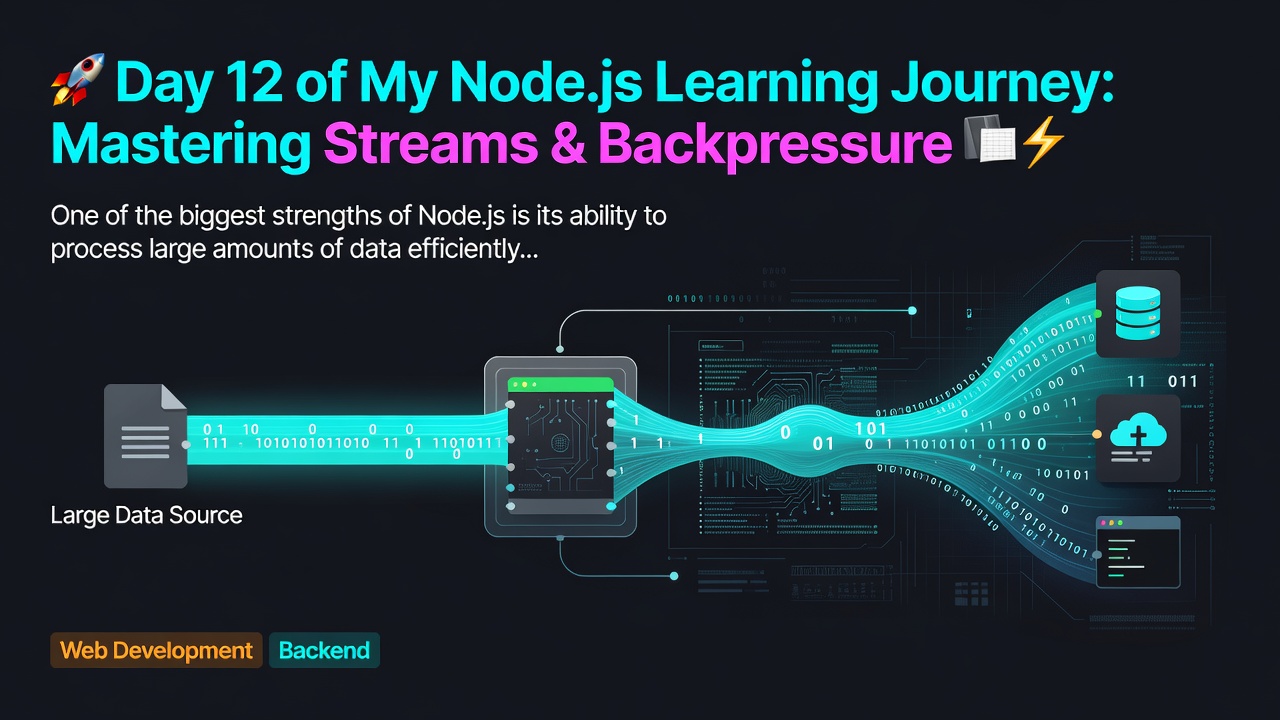


One of the biggest strengths of Node.js is its ability to process large amounts of data efficiently. Today, I explored Streams, one of the most important concepts for backend development and a frequently asked topic in Node.js interviews.
💡 What are Streams?
A Stream is a way to process data chunk by chunk instead of loading the entire file into memory.
Instead of reading a 2 GB file at once, Node.js reads small chunks (typically 64 KB for fs.createReadStream()), making applications much more memory-efficient and scalable.
Why use Streams?
✅ Lower memory usage
✅ Faster processing
✅ Better performance
✅ Ideal for large files
✅ Non-blocking data transfer
📦 What is a Chunk?
A chunk is a small piece of data transferred by a stream.
Instead of:
2 GB File
      ↓
Load everything into RAM
Enter fullscreen mode Exit fullscreen mode
Streams work like this:
2 GB File
      ↓
64 KB
      ↓
64 KB
      ↓
64 KB
      ↓
...
Enter fullscreen mode Exit fullscreen mode
This is why Node.js can efficiently handle file uploads, downloads, video streaming, and large datasets.
🌊 Types of Streams
Node.js provides four types of streams:
📖 Readable Stream
Used to read data from a source.
Examples:
fs.createReadStream()- HTTP Request
process.stdin
✍️ Writable Stream
Used to write data to a destination.
Examples:
fs.createWriteStream()- HTTP Response
process.stdout
🔄 Duplex Stream
Can both read and write data.
Examples:
- TCP Sockets
- Network connections
⚙️ Transform Stream
A special type of Duplex Stream that modifies data while passing it through.
Examples:
- Compression (
zlib.createGzip()) - Encryption
- Decryption
🚀 pipe() — The Easiest Way to Transfer Data
Instead of manually reading and writing chunks:
const fs = require("fs");

const readStream = fs.createReadStream("input.txt");
const writeStream = fs.createWriteStream("output.txt");

readStream.pipe(writeStream);
Enter fullscreen mode Exit fullscreen mode
Benefits of pipe()
- Less code
- Automatic chunk transfer
- Handles flow efficiently
- Automatically ends the destination stream
- Manages backpressure internally
🌊 Understanding Backpressure
One of the most interesting concepts I learned today was Backpressure.
Imagine:
- 📥 Producer can generate 100 MB/sec
- 📤 Consumer can process only 20 MB/sec
Without flow control, data would keep accumulating in memory.
Backpressure solves this by pausing the producer until the consumer catches up, preventing unnecessary memory growth and improving stability.
Node.js handles this automatically when using pipe().
💧 highWaterMark
highWaterMark defines the buffer threshold that helps determine when backpressure should start.
Some useful defaults:
-
fs.createReadStream()→ 64 KB - Most Readable Streams → 16 KB
- Most Writable Streams → 16 KB
It's important to remember that highWaterMark is a threshold, not a hard memory limit.
🔄 Flowing Mode vs Paused Mode
Flowing Mode
- Uses the
dataevent - Data flows automatically
- Most commonly used
Paused Mode
- Uses the
readableevent - Data is read manually using
stream.read() - Gives more control over reading
📦 Buffer vs Stream
One interview question that helped me understand the difference:
Buffer
- Temporary memory
- Stores binary data
- Holds one chunk at a time
Stream
- Transfers data continuously
- Processes multiple chunks
- Better suited for large files
A simple way to remember it:
Buffer stores data. Stream moves data.
🚀 pipeline() vs pipe()
Although pipe() is simple and powerful, Node.js provides pipeline() for production-ready applications.
Why use pipeline()?
- Better error handling
- Automatically cleans up streams
- Prevents resource leaks
- Recommended for production code
🎯 Interview Takeaways
Today's most important interview concepts:
- What is a Stream?
- Why Streams are better than
fs.readFile() - Readable vs Writable Stream
- Duplex vs Transform Stream
pipe()- Backpressure
-
drainevent -
pause()andresume() highWaterMark- Flowing vs Paused Mode
- Buffer vs Stream
pipeline()
📚 Key Learning
Streams are one of the core reasons why Node.js is highly efficient for backend development. They allow applications to process large files with minimal memory usage while maintaining excellent performance and scalability.
Understanding Streams, Backpressure, and pipe() has given me a much deeper appreciation of how Node.js handles data under the hood.
Looking forward to learning the HTTP module next! 🚀
If you have any interview tips or real-world use cases for Streams, I'd love to hear them in the comments.
0 Comments
Log in to join the conversation.No comments yet. Be the first to share your thoughts.