
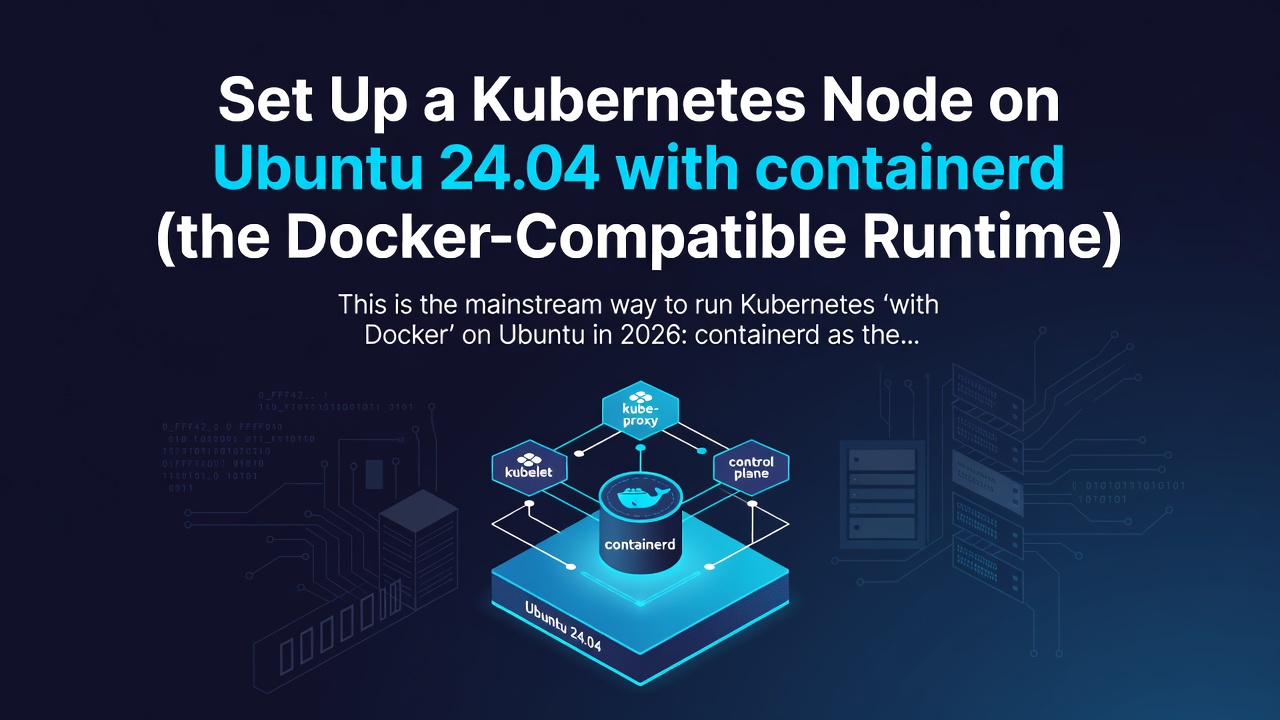


This is the mainstream way to run Kubernetes "with Docker" on Ubuntu in 2026: containerd as the runtime (the same engine Docker uses under the hood), your Docker-built images running unchanged. Here's a clean kubeadm node bring-up on Ubuntu 24.04 (Noble) with the sharp edges called out.
Run everything below as root or with
sudo. This sets up a single control-plane node; join workers with thekubeadm joincommand printed at the end.
1. Kernel prerequisites
Kubernetes needs bridged traffic to hit iptables and IP forwarding on:
cat <<'EOF' | sudo tee /etc/modules-load.d/k8s.conf
overlay
br_netfilter
EOF
sudo modprobe overlay
sudo modprobe br_netfilter

cat <<'EOF' | sudo tee /etc/sysctl.d/k8s.conf
net.bridge.bridge-nf-call-iptables  = 1
net.bridge.bridge-nf-call-ip6tables = 1
net.ipv4.ip_forward                 = 1
EOF
sudo sysctl --system
Enter fullscreen mode Exit fullscreen mode
Disable swap — the kubelet refuses to start with swap on by default:
sudo swapoff -a
sudo sed -i.bak '/\bswap\b/s/^/#/' /etc/fstab
Enter fullscreen mode Exit fullscreen mode
2. Install containerd
sudo apt-get update
sudo apt-get install -y containerd
sudo mkdir -p /etc/containerd
containerd config default | sudo tee /etc/containerd/config.toml >/dev/null
Enter fullscreen mode Exit fullscreen mode
The one edit that matters on Ubuntu. Ubuntu 22.04+ uses cgroup v2, so containerd and the kubelet must both use the systemd cgroup driver or the node flaps between Ready/NotReady:
sudo sed -i 's/SystemdCgroup = false/SystemdCgroup = true/' /etc/containerd/config.toml
sudo systemctl restart containerd
sudo systemctl enable containerd
Enter fullscreen mode Exit fullscreen mode
(This mismatch is common enough that I gave it its own post later in the series.)
3. Install kubeadm, kubelet, kubectl
The old apt.kubernetes.io repo was retired — use pkgs.k8s.io. Pin the minor version you want (1.30 shown):
sudo apt-get install -y apt-transport-https ca-certificates curl gpg
curl -fsSL https://pkgs.k8s.io/core:/stable:/v1.30/deb/Release.key \
  | sudo gpg --dearmor -o /etc/apt/keyrings/kubernetes-apt-keyring.gpg
echo 'deb [signed-by=/etc/apt/keyrings/kubernetes-apt-keyring.gpg] https://pkgs.k8s.io/core:/stable:/v1.30/deb/ /' \
  | sudo tee /etc/apt/sources.list.d/kubernetes.list

sudo apt-get update
sudo apt-get install -y kubelet kubeadm kubectl
sudo apt-mark hold kubelet kubeadm kubectl   # don't let an unattended upgrade skip a minor
Enter fullscreen mode Exit fullscreen mode
4. Initialize the control plane
Pick a pod CIDR that matches your CNI. This uses Flannel's default:
sudo kubeadm init --pod-network-cidr=10.244.0.0/16

# set up kubectl for your user
mkdir -p $HOME/.kube
sudo cp -i /etc/kubernetes/admin.conf $HOME/.kube/config
sudo chown $(id -u):$(id -g) $HOME/.kube/config
Enter fullscreen mode Exit fullscreen mode
5. Install a CNI, then verify
kubectl apply -f https://github.com/flannel-io/flannel/releases/latest/download/kube-flannel.yml

kubectl get nodes -o wide
# STATUS should go Ready within a minute; CONTAINER-RUNTIME shows containerd://1.7.x
Enter fullscreen mode Exit fullscreen mode
For a single-node lab, let workloads schedule on the control plane:
kubectl taint nodes --all node-role.kubernetes.io/control-plane-
Enter fullscreen mode Exit fullscreen mode
6. Prove Docker images run
kubectl create deployment web --image=nginx:1.27
kubectl expose deployment web --port=80
kubectl get pods -o wide     # Running, on your containerd node
Enter fullscreen mode Exit fullscreen mode
That nginx image was built by Docker. It runs on containerd without translation because it's an OCI image — which is the whole point of this series.
When it doesn't come up
The usual first-node failures are the kubelet not starting (almost always swap or the cgroup driver), or pods stuck pending (no CNI yet). I keep the specific fixes here: Kubernetes pod-startup errors and the Kubernetes troubleshooting stack.
Next: if you specifically need Docker Engine as the runtime rather than bare containerd, that's cri-dockerd.
0 Comments
Log in to join the conversation.No comments yet. Be the first to share your thoughts.