
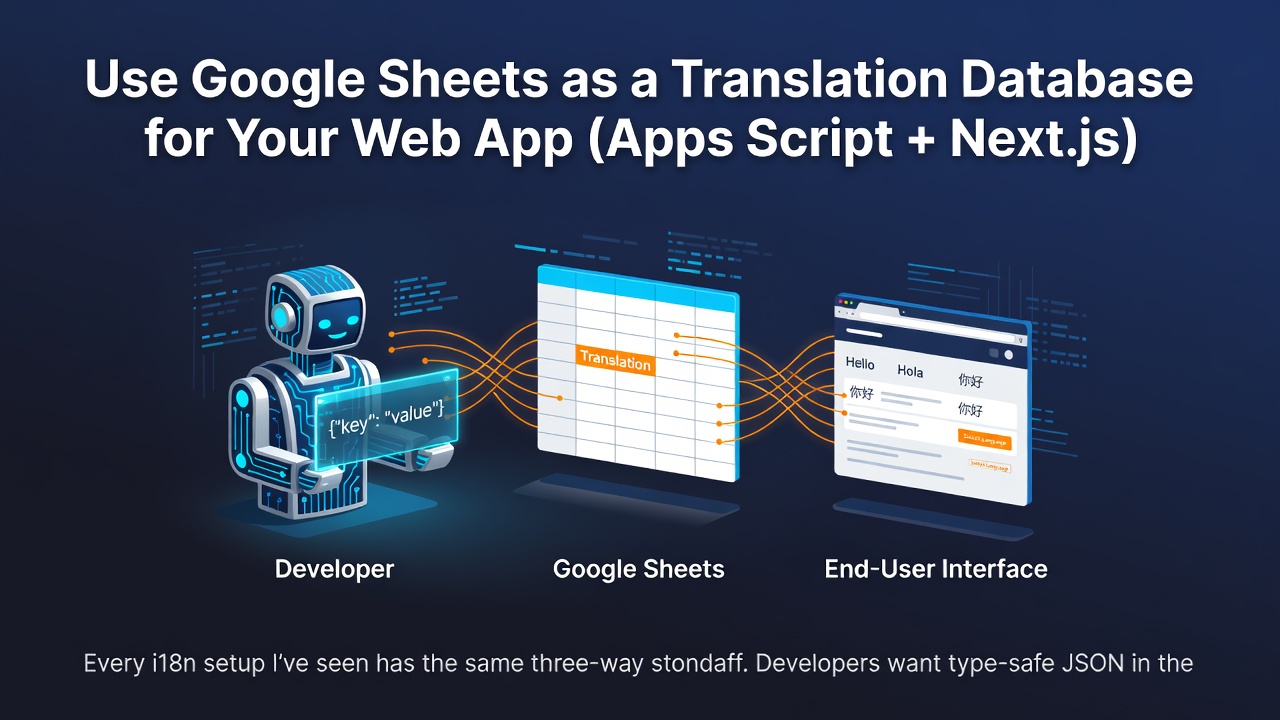


Every i18n setup I've seen has the same three-way standoff. Developers want type-safe JSON in the repo. Translators want a familiar tool, not a pull request. Product wants to fix a typo without a deploy. So you either pay $50–$500/month for a localization SaaS, or you copy-paste strings between a translator's spreadsheet and your JSON files until something silently breaks.
For projects under ~1,000 keys, there's a better middle: the spreadsheet is the database. Translators edit a Google Sheet; an Apps Script endpoint serves it as clean locale JSON; your app pulls that at build time. Here's the whole pattern, with the code.
Why a sheet beats a translation service for small projects
A localization SaaS earns its price at scale — dozens of translators, thousands of keys, screenshots and review workflows. A 300-key marketing site doesn't have that problem; it has a coordination problem. A Sheet solves coordination for free: translators already know it, it has revision history and suggested edits built in, and product can change a string in ten seconds. You only add the two things a raw sheet lacks — a clean JSON API and a fallback for missing translations.
The schema: one tab, one row per key
A strings tab, with the key in column A and one column per locale:
| key | en | tr | es | fr |
|---|---|---|---|---|
| hero.title | Welcome | Hoş geldiniz | Bienvenido | Bienvenue |
| hero.cta | Get started | Başla | Empezar | Commencer |
Use dot-notation keys (hero.title) so the JSON nests naturally in your i18n library. Keep a tiny meta tab too: B1 = default locale (en), B3 = version (1.0.0).
The Apps Script endpoint
Deploy this as a Web App (same mechanics as any Apps Script webhook). doGet serves one locale — or all of them — as JSON, and the fallback lives right in the query: an empty cell resolves to the default locale, so a half-translated key never ships blank.
// Code.gs
const SHEET_ID = 'your-sheet-id';

function doGet(e) {
  const locale = (e.parameter.locale || 'all').toLowerCase();
  const result = buildLocaleData(locale);
  return ContentService
    .createTextOutput(JSON.stringify(result))
    .setMimeType(ContentService.MimeType.JSON);
}

function buildLocaleData(locale) {
  const ss = SpreadsheetApp.openById(SHEET_ID);
  const data = ss.getSheetByName('strings').getDataRange().getValues();
  const headers = data[0];            // ['key','en','tr','es','fr']
  const localeIdx = {};
  headers.forEach((h, i) => {
    if (i > 0) localeIdx[String(h).toLowerCase()] = i;
  });

  const meta = ss.getSheetByName('meta');
  const defaultLocale = meta.getRange('B1').getValue() || 'en';
  const version = meta.getRange('B3').getValue() || '1.0.0';

  if (locale !== 'all' && !localeIdx[locale]) {
    return { error: 'Unknown locale', available: Object.keys(localeIdx) };
  }

  const targets = locale === 'all' ? Object.keys(localeIdx) : [locale];
  const out = { locale, defaultLocale, version, strings: {} };
  if (locale === 'all') targets.forEach(l => out.strings[l] = {});

  for (let row = 1; row < data.length; row++) {
    const key = data[row][0];
    if (!key) continue;
    if (locale === 'all') {
      targets.forEach(l => {
        out.strings[l][key] =
          data[row][localeIdx[l]] || data[row][localeIdx[defaultLocale]];
      });
    } else {
      out.strings[key] =
        data[row][localeIdx[locale]] || data[row][localeIdx[defaultLocale]];
    }
  }
  return out;
}
Enter fullscreen mode Exit fullscreen mode
I unit-tested buildLocaleData before shipping — the cases that matter are an empty cell falling back to the default locale, a blank-key row being skipped, and an unknown locale returning an error with the list of available ones instead of a 500.
Frontend integration: sync at build time
Don't hit the endpoint at runtime — pull the JSON once at build and commit it to public/locales. Your app ships static files, and a Sheet outage can never take your site down.
// scripts/sync-locales.ts
import fs from 'fs';
import path from 'path';

const URL = process.env.LOCALE_SOURCE_URL!;
const LOCALES = ['en', 'tr', 'es', 'fr'];

async function sync() {
  for (const locale of LOCALES) {
    const res = await fetch(`${URL}?locale=${locale}`);
    const data = await res.json();
    const out = path.join(process.cwd(), 'public', 'locales', `${locale}.json`);
    fs.writeFileSync(out, JSON.stringify(data.strings, null, 2));
    console.log(`✓ ${locale}: ${Object.keys(data.strings).length} strings`);
  }
}

sync();
Enter fullscreen mode Exit fullscreen mode
Wire it into prebuild and feed the output to next-intl or i18next like any other JSON. Between deploys, a 5-minute edge cache in front of the endpoint is plenty if you also want a preview environment reading live.
Caching, versioning, and catching missing keys
The version field from the meta tab lets you cache-bust deliberately instead of guessing. And a daily trigger turns "translators forgot three strings" from a production surprise into an email:
// Missing-keys alert — run on a daily time trigger
function alertMissingKeys() {
  const ss = SpreadsheetApp.openById(SHEET_ID);
  const data = ss.getSheetByName('strings').getDataRange().getValues();
  const headers = data[0];
  const missing = [];
  for (let r = 1; r < data.length; r++) {
    headers.forEach((h, c) => {
      if (c > 0 && !data[r][c]) missing.push(`${data[r][0]} → ${h}`);
    });
  }
  if (missing.length) {
    MailApp.sendEmail('[email protected]',
      `${missing.length} missing translations`,
      missing.join('\n'));
  }
}
Enter fullscreen mode Exit fullscreen mode
When to stop using Sheets and pay for Lokalise
Be honest about the ceiling. Sheets stays comfortable up to roughly 1,000 keys; Apps Script serves this at ~50–100 requests/second, which build-time sync never approaches. The real limit is people: past 5 or so active translators, you'll want proper roles, screenshots, and review queues — that's when you export the sheet to CSV and move to Lokalise or Crowdin. Below that, the tooling is the coordination cost, not the value.
Pitfalls
- Don't fetch at runtime. Build-time sync means a Sheet outage can't break your live site. Commit the JSON.
- Put the fallback in the query, not the client. An empty cell resolving to the default locale (as above) is simpler and safer than fallback logic scattered across components.
-
Skip blank-key rows. Translators leave empty rows; guard with
if (!key) continue;or they become""keys in your JSON. -
Version deliberately. Cache on the
versionfield, not a timestamp, so a typo fix doesn't force a full rebuild and a rebuild isn't skipped when you need it. - Plurals: one row per form. For anything beyond simple counts, store ICU MessageFormat strings and parse them client-side — don't invent your own plural columns.
Wrap-up
For a project under a thousand keys, i18n doesn't need a subscription — it needs a shared editable source and a clean JSON API. A Google Sheet is the first; ~40 lines of Apps Script is the second. Translators get their tool, developers get their JSON, product gets instant edits, and nothing ships blank.
The production version — the edge-cache layer, version pinning, and the full Next.js wiring — is written up on the MageSheet blog.
Built by the MageSheet team.
0 Comments
Log in to join the conversation.No comments yet. Be the first to share your thoughts.