
If you've built anything on the frontend in the last five years, you've almost certainly touched Tailwind CSS. It reshaped how a huge chunk of the industry thinks about styling — utility classes instead of hand-rolled CSS, a build pipeline that only ships what you use, and a massive ecosystem built around it.
FrontAlign enters the same utility-first space, but it's solving a slightly different problem. Instead of asking "how do we generate utility classes efficiently," it asks "what if the utility layer, the components, and the runtime behavior all shipped together, with zero dependencies?"
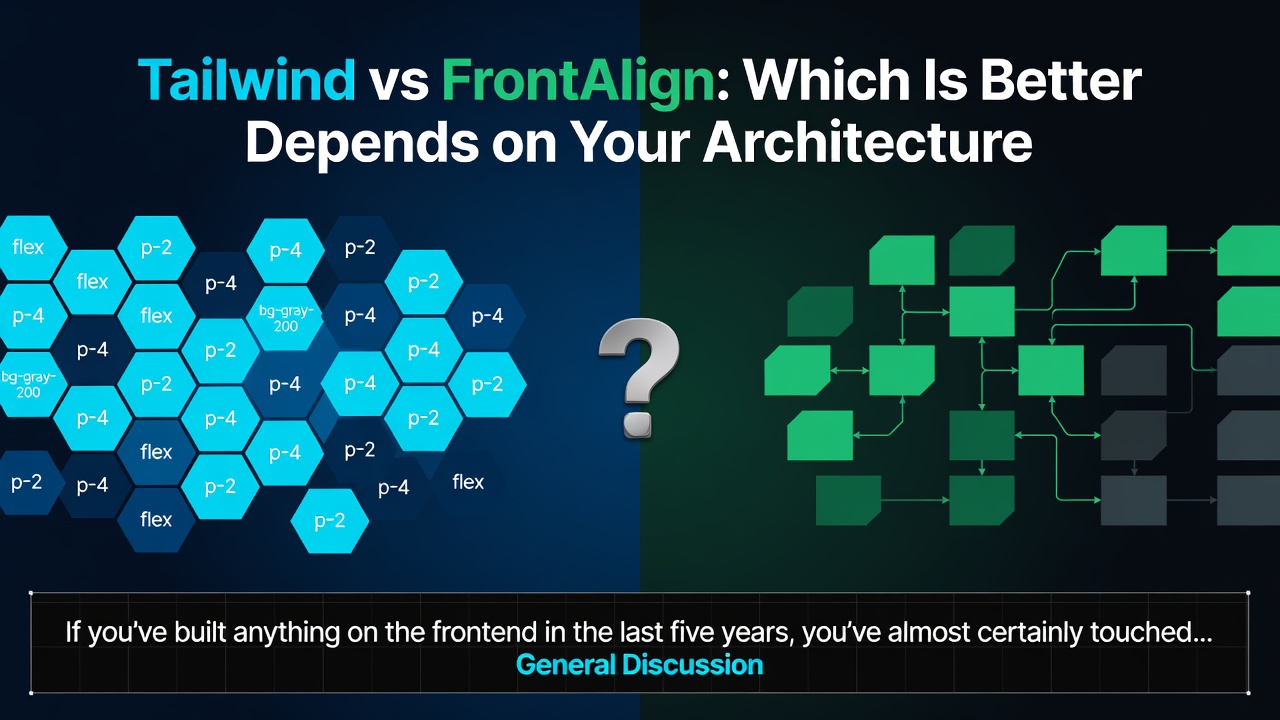
Neither answer is universally "better." The right pick depends on the shape of your project. Here's a breakdown by architecture, not by hype.
The Core Difference: Utility Engine vs. Utility Engine + Runtime
Tailwind is, at its heart, a CSS generation tool. It scans your markup, matches utility patterns, and emits a stylesheet at build time. Everything else — dropdowns, modals, form validation, carousels — is left to you or to a component library layered on top (Headless UI, Radix, shadcn/ui, etc.).
FrontAlign ships that same utility-first, JIT-compiled CSS layer, but pairs it with a JavaScript runtime that auto-discovers and initializes components directly from markup attributes:
<div fa-component="swiper">...</div>
<nav fa-component="tabview">...</nav>
<img data-src="/image.jpg" alt="Lazy image">
Enter fullscreen mode Exit fullscreen mode
new FrontAlign();
Enter fullscreen mode Exit fullscreen mode
That single call boots a "Smart Observer Runtime" that watches the DOM, initializes components as they appear (including ones added dynamically), and lazy-loads images with data-src — no manual re-init calls scattered through your app.
This is the crux of the architectural split: Tailwind gives you the styling primitive and expects you to assemble the rest. FrontAlign gives you the styling primitive plus a component/behavior layer already wired together.
Build Pipeline
Both frameworks lean on a JIT compiler that scans your source for used classes and strips the rest. Configuration looks structurally similar too — FrontAlign's frontalign.config.js supports theme tokens, font declarations, scan paths, a safelist for runtime-injected classes, and custom breakpoints:
export default {
  theme: { primary: '#2563eb' },
  fonts: [{ family: 'Inter', weights: '400,600,700' }],
  jit: {
    scan: ['./app', './components', './pages'],
    safelist: ['button', 'is-primary', 'is-active'],
    extensions: ['mdx'],
    debug: false,
    concurrency: 50,
  },
};
Enter fullscreen mode Exit fullscreen mode
If your team already has Tailwind's config mental model memorized, FrontAlign's build-time story won't feel like a big leap. The meaningful difference shows up at runtime, not build time — see the next section.
Runtime Theming
This is one area where the two diverge clearly. Tailwind's theme values are compiled into your CSS at build time; changing them typically means editing config and rebuilding (CSS custom properties can get you partway to runtime theming, but it's not the framework's default model).
FrontAlign exposes runtime configuration as a first-class feature, separate from the build-time config file:
new FrontAlign({
  theme: { primary: '#6366f1' },
});
Enter fullscreen mode Exit fullscreen mode
If your product needs user-configurable themes, white-labeling, or a theme switcher that doesn't trigger a rebuild, that's a real architectural point in FrontAlign's favor. If your theme is fixed at design time and you just want static, art-directed CSS, it's a non-issue either way.
Component Coverage
This is the other major fork in the road. Tailwind is deliberately unopinionated about components — that's a feature for teams who want full control over markup and behavior, and a liability for teams who don't want to build or vendor a component library from scratch.
FrontAlign ships components directly: Modal, Drawer, Dropdown, Collapse, Accordion, Navbar, Carousel, Swiper, Toast, Tooltip, Popover, Alert, Select, Tabview, DarkMode, Form (with attribute-driven validation and optional AJAX submission), Badge, Skeleton, Lazy Image, and a dual-mode Range slider.
<form fa-component="form" data-ajax="/api/submit" novalidate>
  <input type="email" data-rule="email">
  <button type="submit">Send</button>
</form>
Enter fullscreen mode Exit fullscreen mode
The tradeoff is the classic one for any batteries-included tool: you move faster out of the box, but you're also more coupled to that library's conventions and markup expectations. Tailwind's ecosystem is broader and more heterogeneous precisely because it doesn't dictate component structure.
React and Framework Support
Tailwind is framework-agnostic by design and works anywhere PostCSS can run — React, Vue, Svelte, Astro, plain HTML, you name it, with a huge body of community integrations.
FrontAlign works across the same general surface (Vanilla JS, React, Next.js, Vue, Astro, Laravel, WordPress, static HTML) and adds a dedicated React package with hooks for component-level control:
'use client';
import { useNavbar, useDrawer } from 'frontalign/react';
Enter fullscreen mode Exit fullscreen mode
If you're deep in a React/Next.js codebase and want hooks that map directly to component state, that's a convenience Tailwind doesn't provide natively — you'd reach for a separate headless library.
Dependencies and Bundle Philosophy
Both frameworks emphasize a lean footprint. Tailwind's runtime footprint is effectively zero, since it's a build-time tool with no JS shipped unless you add it yourself. FrontAlign ships zero external dependencies too, but — unlike Tailwind — it does ship its own JS runtime by design, since components and the observer system need it to function.
That's not a strike against FrontAlign; it's a different bet. You're trading "no JS unless I add it" for "a small, dependency-free JS runtime that powers the components I'm already using."
Browser Support
Worth flagging: FrontAlign's OKLCH color system and use of CSS Layers, IntersectionObserver, and MutationObserver mean it targets fairly modern browsers (Chrome/Edge 111+, Firefox 113+, Safari 15.4+). Tailwind's baseline is generally more permissive depending on which CSS features you opt into. If you have hard requirements for older browser support, check this before committing either way.
So, Which One?
Reach for Tailwind if:
- You want a pure styling primitive and full control over component architecture
- You're already invested in an existing component library (Radix, shadcn/ui, Headless UI)
- You need the widest possible ecosystem, plugin support, and community resources
- Older browser support is a hard constraint
Reach for FrontAlign if:
- You want utility CSS and a working component set out of the box
- Runtime theming (no rebuild) matters to your product
- You want attribute-driven component initialization without wiring up your own observer/mount logic
- You're fine targeting modern browsers only
Architecture, not marketing, should make this call. If your project already has a component layer and you just need utilities, Tailwind's narrower scope is a feature. If you're starting fresh and want the utility layer and the components to arrive already integrated, FrontAlign's bet on a runtime is the more direct path.
Both are valid answers to "how do we style modern interfaces without CSS chaos." They just start from different assumptions about where the framework's responsibility ends and your app's begins.
FrontAlign docs: frontalign.dev/docs
0 Comments
Log in to join the conversation.No comments yet. Be the first to share your thoughts.