
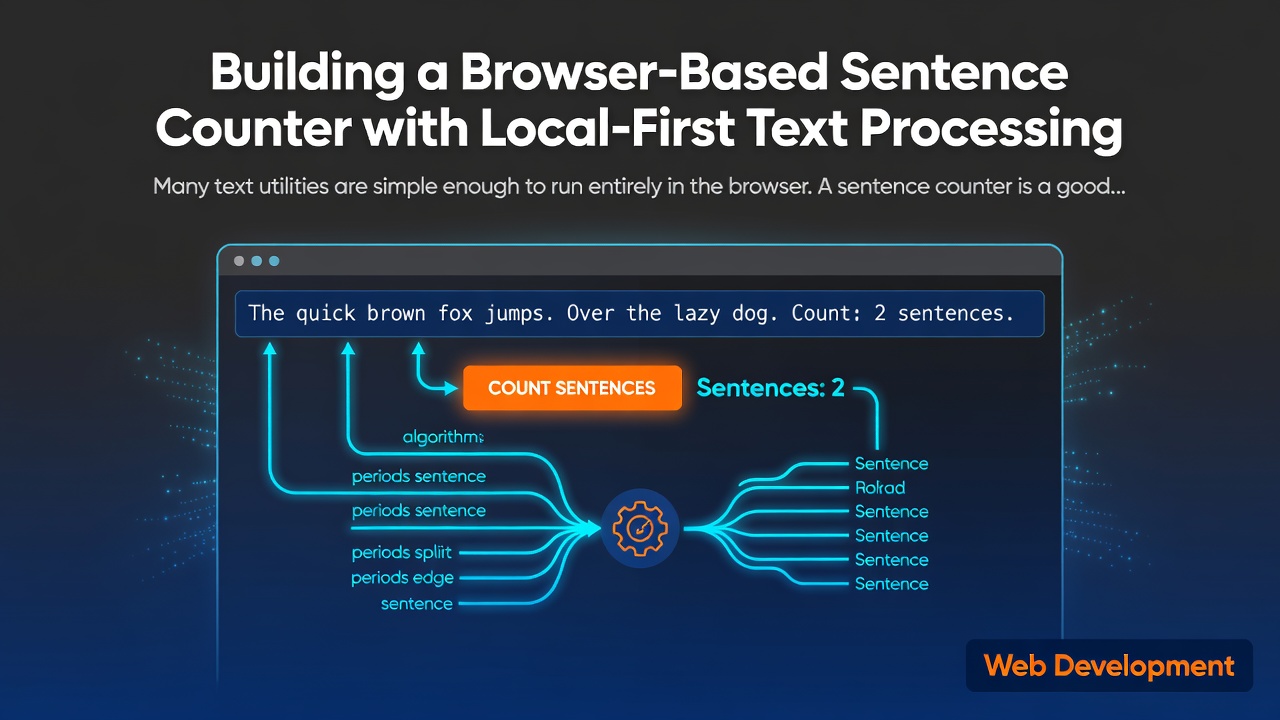
Many text utilities are simple enough to run entirely in the browser.
A sentence counter is a good example. The browser already has everything it needs to accept text, analyze it, and display useful statistics. Sending the input to a remote server is often unnecessary.
I built a small browser-based sentence counter as part of TextFixHub, a collection of free text utilities for everyday writing and editing.
You can try it here:
Why process text locally?
Text input can be sensitive. It may contain:
- Draft articles
- School assignments
- Internal notes
- Customer messages
- Code comments
- Unpublished content
For a basic counting tool, uploading this text to a server does not provide much additional value. Local processing has several useful properties:
- The input does not need to leave the user's device.
- There is no text-processing API to maintain.
- The tool can respond without waiting for a network request.
- The application can work without a user account.
- The server does not need to store or process the submitted text.
This does not make every browser application private by default. Analytics, third-party scripts, error reporting, and hosting configuration still matter. It simply means that the core text analysis can remain local.
What the tool calculates
The sentence counter displays more than just a sentence total. It also calculates:
- Sentence count
- Word count
- Character count with spaces
- Character count without spaces
- Paragraph count
- Line count
- Average sentence length
- Average word length
- Estimated reading time
- Estimated speaking time
The additional statistics make the tool useful for editing and reviewing content, rather than only answering “How many sentences are there?”
A simple analysis pipeline
The browser-side pipeline is intentionally straightforward:
- Read the current value from the text input.
- Normalize the relevant whitespace.
- Detect sentence boundaries.
- Split the text into words, paragraphs, and lines.
- Calculate the derived statistics.
- Render the results immediately.
The important design choice is that the input stays in the browser throughout this process.
A simplified version of the idea looks like this:
type TextStats = {
  sentences: number
  words: number
  characters: number
  charactersWithoutSpaces: number
  paragraphs: number
  lines: number
}

function countWords(text: string): number {
  const normalized = text.trim()

  if (!normalized) {
    return 0
  }

  return normalized.split(/\s+/).length
}

function countCharactersWithoutSpaces(text: string): number {
  return text.replace(/\s/g, '').length
}
Enter fullscreen mode Exit fullscreen mode
The actual implementation also needs to handle empty input, whitespace-only input, paragraph boundaries, and the distinction between visible characters and whitespace.
Sentence boundaries are not completely trivial
Counting sentences looks easy until real text appears.
A simple approach can count punctuation such as ., !, and ?. However, periods can also appear in:
- Abbreviations
- Decimal numbers
- Domain names
- Email addresses
- Version numbers
- Initials
This means that a sentence counter should not imply perfect linguistic understanding. It is a practical text utility with defined heuristics.
For a lightweight browser tool, a transparent heuristic is often more useful than a large natural-language-processing dependency. The tool should also explain what it counts and avoid presenting an approximate result as a scientific linguistic measurement.
Reading time and speaking time
Reading and speaking time are estimates based on word count.
For example, the application can use separate words-per-minute assumptions:
const READING_WORDS_PER_MINUTE = 200
const SPEAKING_WORDS_PER_MINUTE = 130

const readingMinutes =
  wordCount / READING_WORDS_PER_MINUTE

const speakingMinutes =
  wordCount / SPEAKING_WORDS_PER_MINUTE
Enter fullscreen mode Exit fullscreen mode
These numbers are not universal facts about every reader or speaker. They are simple reference estimates that help users understand the approximate size of their text.
The interface should avoid suggesting false precision. Displaying “about 2 minutes” is generally more useful than displaying a value with several decimal places.
Why I used a static deployment
The application is built with Next.js and TypeScript and deployed as a static website.
The tool does not need a database or an application server to analyze text. This keeps the architecture small:
- The UI runs in the browser.
- The text-processing functions are regular TypeScript modules.
- The page can be statically generated.
- The deployment surface is smaller than a server-based implementation.
A smaller architecture also makes the privacy explanation easier to verify: the main text operation is visible in the client-side application rather than hidden behind an API.
Testing the text-processing functions
The UI is only one part of the tool. The text-processing functions should be tested independently with cases such as:
- Empty input
- Whitespace-only input
- One sentence
- Multiple paragraphs
- Multiple line breaks
- Punctuation at the end of a sentence
- Text containing numbers
- Text containing Unicode characters
- Text with repeated spaces
Separating the counting logic from the UI makes these cases easier to test and reduces the chance that a visual change breaks the underlying calculations.
What I learned
The main lesson was that small tools still need clear boundaries.
A sentence counter does not need an account system, a database, or a text-processing API. It does need:
- A clearly defined counting method
- Useful output beyond one number
- Reasonable handling of empty and unusual input
- Tests for the core functions
- A clear explanation of what happens to user text
Local-first processing is not a complete privacy guarantee for an entire website. It is a practical architectural decision for the core task: the text entered into the tool does not need to be uploaded for the tool to work.
The finished tool is available here:
Try the TextFixHub Sentence Counter
The other TextFixHub tools are available at https://www.textfixhub.com/.
0 Comments
Log in to join the conversation.No comments yet. Be the first to share your thoughts.