
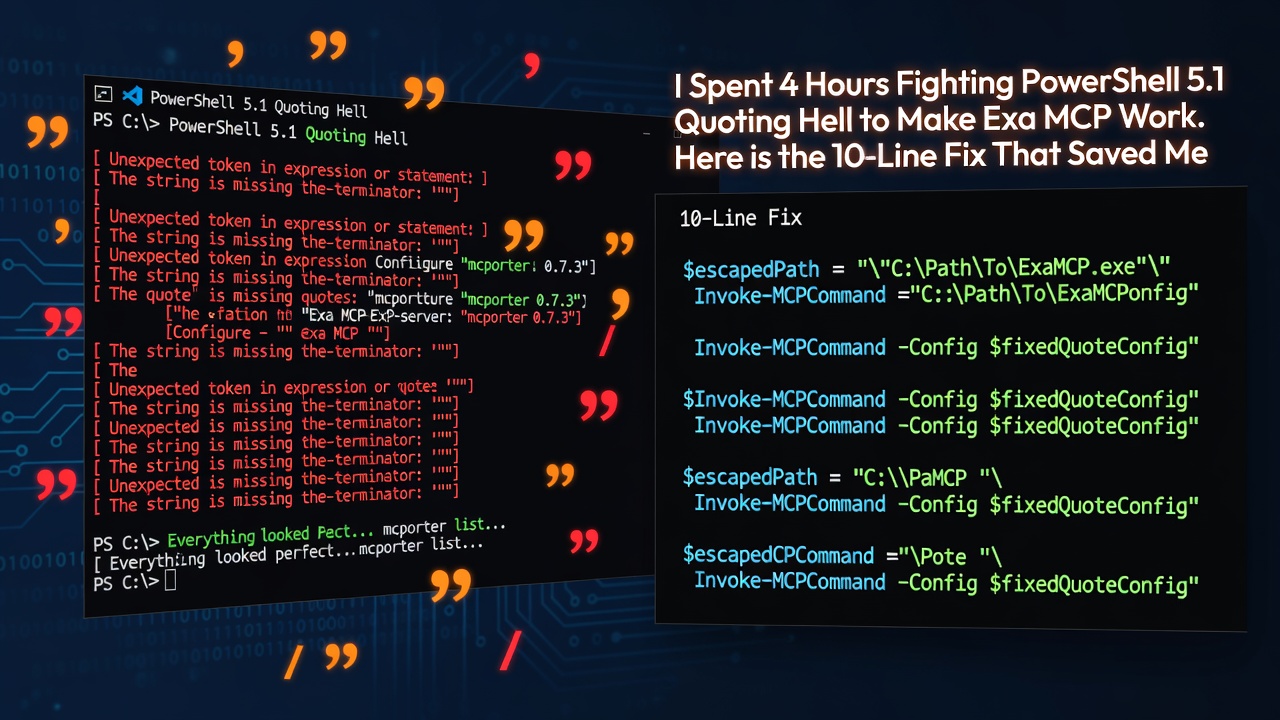

Everything looked perfect.
I had mcporter 0.7.3 configured with the Exa MCP server:
mcporter list exa
# ✅ exa (2 tools) — "Search the web for any topic..."
Enter fullscreen mode Exit fullscreen mode
Healthy. Ready. Then I made the first real call:
mcporter call "exa.web_search_exa(query: \"ollama cloud models\", numResults: 5)"
Enter fullscreen mode Exit fullscreen mode
JSON parse error at position 1.
Every. Single. Time.
I tried every quoting trick known to PowerShell:
- Backslash escaping
-
--%stop-parsing operator -
cmd /cwrapper - Single-quoted outer strings
Same error. The shell was eating my quotes before mcporter ever saw them.
This is the full story of how I debugged it, verified on Windows PowerShell 5.1 on July 31, 2026.
Chapter 1: The Root Cause - PowerShell 5.1's Dirty Secret
PowerShell 5.1 strips ALL embedded double-quotes at the native-argument boundary when passing args to external programs.
There is no $PSNativeCommandArgumentPassing in 5.1. That is a PowerShell 7.3+ feature.
So this:
mcporter call --args '{"query":"test"}'
Enter fullscreen mode Exit fullscreen mode
Literally becomes this before Node.js even starts:
{query:test}
Enter fullscreen mode Exit fullscreen mode
The JSON is destroyed. No shell-level trick can fix it. Stop fighting the shell.
Chapter 2: The Hero - A 10-Line Node.js Spawn Wrapper
The fix is to bypass the shell entirely with spawn(..., { shell: false }). Node passes a real argv array, no re-quoting happens.
Create mcporter_exa.js:
// mcporter_exa.js - The hero
const { spawn } = require('node:child_process');
const args = process.argv.slice(2);

// --tool <tool> <base64Json> mode, or default web_search_exa
const tool = args[0] === '--tool'? args[1] : 'exa.web_search_exa';
const payload = args[0] === '--tool'? args[2] : JSON.stringify({ query: args[0], numResults: Number(args[1] || 5) });

const child = spawn(process.execPath,
  [require.resolve('mcporter/dist/cli.js'), 'call', tool, '--args', payload],
  { shell: false, stdio: 'inherit' });
child.on('exit', (code) => process.exit(code?? 0));
Enter fullscreen mode Exit fullscreen mode
Usage:
# Web search - query is built INSIDE Node, no shell quoting needed
node mcporter_exa.js "ollama cloud models" 5

# It worked on the first try.
Enter fullscreen mode Exit fullscreen mode
Chapter 3: Nested JSON Needs Base64
Web search is flat. But get_code_context_exa, company_research_exa, crawling_exa need nested JSON:
{"query":"python argparse","tokensNum":800}
Enter fullscreen mode Exit fullscreen mode
Raw JSON still gets its quotes stripped by PowerShell before Node launches, so even the wrapper cannot save it.
Solution: Base64. Characters A-Za-z0-9+/= contain no spaces or quotes, they survive any shell.
$b64 = [Convert]::ToBase64String([Text.Encoding]::UTF8.GetBytes('{"query":"python argparse","tokensNum":800}'))
node mcporter_exa.js --tool exa-full.get_code_context_exa "$b64"
# ✅ Real code results from docs.python.org
Enter fullscreen mode Exit fullscreen mode
Golden rule: Queries can ride the command line. Nested JSON must be base64-encoded on Windows PowerShell. Always.
Chapter 4: Reddit Is Blocked, But Exa Has a Side Door
Reddit's .json API now returns 403 for unauthenticated clients due to TLS fingerprinting.
curl "https://www.reddit.com/r/ollama/hot.json" -H "User-Agent: test"
# ❌ 403 Forbidden
Enter fullscreen mode Exit fullscreen mode
You do not need Reddit's API. Exa already indexed it:
node mcporter_exa.js "site:reddit.com ollama cloud models" 3
# ✅ Returns reddit.com URLs with full content
Enter fullscreen mode Exit fullscreen mode
Chapter 5: The Missing "Bearer " Bug - 30 Minutes of 401
To use Exa's advanced tools (9+ tools), I added:
"exa-full": {
  "baseUrl": "https://mcp.exa.ai/mcp?tools=web_search_exa,...,deep_researcher_check",
  "bearerTokenEnv": "EXA_API_KEY"
}
Enter fullscreen mode Exit fullscreen mode
Docs say this sets Authorization: Bearer <token>.
Result: 401 Unauthorized. Every time.
Found in mcporter source config-normalize.js:
It builds the header as Authorization = $env:${bearerTokenEnv} - the "Bearer " prefix is missing. It sends Authorization: <raw-token> instead of Bearer <raw-token>. Exa rejects it.
Working fix - use x-api-key header instead:
"exa-full": {
  "baseUrl": "https://mcp.exa.ai/mcp?tools=web_search_exa,...,deep_researcher_check",
  "headers": {
    "x-api-key": "$env:EXA_API_KEY"
  }
}
Enter fullscreen mode Exit fullscreen mode
mcporter's materializeHeaders() in runtime-header-utils.js resolves $env:VAR from process.env, so the key never sits in plain text. Set it once:
setx EXA_API_KEY "your_key_here"
Enter fullscreen mode Exit fullscreen mode
Result: 9+ tools connected.
TL;DR - The Working Toolbox
| Task | Command |
|---|---|
| Web search | node mcporter_exa.js "query" 5 |
| Reddit content | node mcporter_exa.js "site:reddit.com topic" 3 |
| Code search | node mcporter_exa.js --tool exa-full.get_code_context_exa "<base64>" |
| Company research | node mcporter_exa.js --tool exa-full.company_research_exa "<base64>" |
| Deep search | node mcporter_exa.js --tool exa-full.deep_search_exa "<base64>" |
| Crawl pages | node mcporter_exa.js --tool exa-full.crawling_exa "<base64>" |
Base64 builder:
$b64 = [Convert]::ToBase64String([Text.Encoding]::UTF8.GetBytes('{"key":"value"}'))
Enter fullscreen mode Exit fullscreen mode
Takeaways:
- Don't fight PowerShell 5.1 quoting - use Node spawn wrapper with
{ shell: false } - Nested JSON = base64 on Windows PowerShell, no exceptions
- Reddit API is blocked for unauth clients - use Exa
site:reddit.com -
bearerTokenEnvin mcporter is broken - useheaders: { "x-api-key" } - Keys live in env vars, never in config files
Hope this saves you the 4 hours it cost me. 🦞
0 Comments
Log in to join the conversation.No comments yet. Be the first to share your thoughts.