
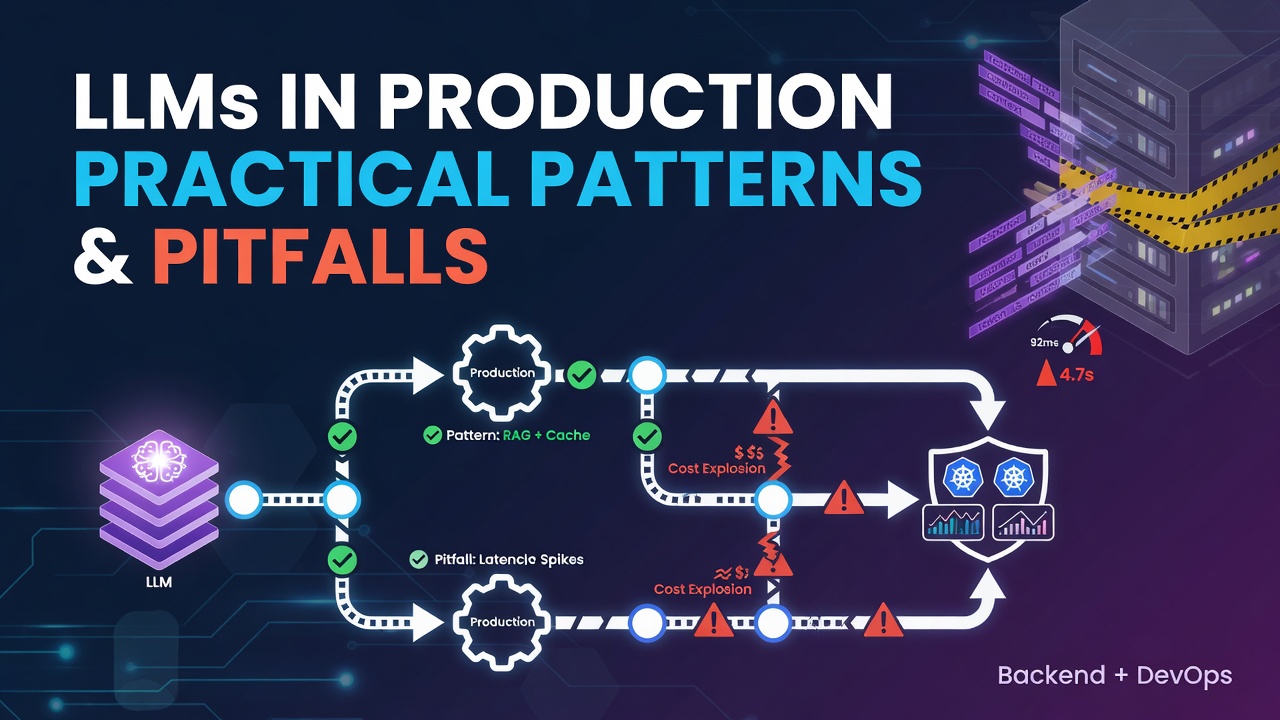

Integrating LLMs into Production: Practical Patterns and Pitfalls
TL;DR – Deploying large language models (LLMs) in a live product requires careful handling of latency, cost, and safety. This article walks through proven patterns, code snippets, and common pitfalls, drawing on real‑world experience from building AI‑powered SaaS features at developerz.ai.
1. Why LLMs Matter for Startups
LLMs enable features such as:
- Dynamic content generation (e.g., marketing copy, code snippets)
- Semantic search and retrieval‑augmented generation (RAG)
- Conversational assistants that understand domain‑specific terminology
For early‑stage products, the ability to prototype these capabilities quickly can be a differentiator. However, the raw model is only a building block; the surrounding engineering determines whether the feature is reliable and cost‑effective.
2. Architecture Overview
A typical production‑ready LLM pipeline looks like this:
+-------------------+      +-------------------+      +-------------------+
|   Front‑end API   | ---> |   Request Queue   | ---> |   LLM Service     |
+-------------------+      +-------------------+      +-------------------+
          |                         |                         |
          v                         v                         v
   Validation & Rate‑limit   Async worker (Celery)   Model inference (GPU/CPU)
Enter fullscreen mode Exit fullscreen mode
- Front‑end API validates input, enforces rate limits, and returns a quick acknowledgment.
- Request Queue (e.g., RabbitMQ or SQS) decouples request handling from heavy inference.
- Async Worker pulls jobs, adds context (e.g., RAG documents), and calls the LLM.
- LLM Service can be a hosted API (OpenAI, Anthropic) or a self‑hosted model behind a FastAPI wrapper.
This separation ensures the user‑facing endpoint stays fast (<200 ms) while the heavy lifting happens in the background.
3. Managing Latency and Cost
3.1. Token‑level budgeting
Most LLM providers charge per token. To keep costs predictable:
MAX_TOKENS = 256
prompt = user_input[:MAX_TOKENS]
Enter fullscreen mode Exit fullscreen mode
Trim or summarize long inputs before sending them to the model.
3.2. Caching
Cache deterministic responses (e.g., FAQ answers) using Redis:
cache_key = f"llm:{hash(prompt)}"
cached = redis.get(cache_key)
if cached:
    return json.loads(cached)
# else call model and store result
redis.setex(cache_key, 3600, json.dumps(response))
Enter fullscreen mode Exit fullscreen mode
3.3. Batching
When using a self‑hosted model, batch multiple prompts into a single GPU call to amortize kernel launch overhead.
4. Safety and Guardrails
LLMs can hallucinate or produce unsafe content. Implement the following layers:
- Input sanitization – strip PII and limit allowed characters.
- Output filtering – run a lightweight classifier (e.g., a small BERT model) to detect profanity or disallowed topics.
- Human‑in‑the‑loop – for high‑risk actions (e.g., code generation), route the output to a reviewer before execution.
Example of a simple profanity filter:
PROFANITY_WORDS = {"badword1", "badword2"}

def is_safe(text):
    return not any(word in text.lower() for word in PROFANITY_WORDS)
Enter fullscreen mode Exit fullscreen mode
5. Monitoring and Observability
Instrument every stage:
- Request latency (Prometheus histogram)
-
Token usage (custom metric
llm_tokens_total) - Error rates (e.g., model timeouts, safety rejections)
A Grafana dashboard can visualize these metrics, helping you spot spikes before they affect users.
6. Real‑World Example: AI‑Powered Help Center
At developerz.ai we built a help‑center assistant that answers technical questions about our SaaS platform. The flow:
- User submits a question via the web UI.
- Backend validates the request and pushes it to an SQS queue.
- A Celery worker fetches relevant docs from Elasticsearch (RAG) and constructs a prompt.
- The prompt is sent to OpenAI’s
gpt‑4o-minimodel. - The response is filtered and cached for 30 minutes.
The system handles ~150 QPS with an average latency of 1.2 seconds and a cost of <$0.02 per 1 k tokens.
7. Common Pitfalls to Avoid
| Pitfall | Symptom | Fix |
|---|---|---|
| Unbounded input | Out‑of‑memory errors on the model server | Enforce a hard token limit and truncate early |
| Missing retries | Sporadic failures due to rate‑limit errors | Implement exponential back‑off with jitter |
| No observability | Silent degradation | Add tracing (OpenTelemetry) and alert on latency thresholds |
| Over‑reliance on a single model | Vendor lock‑in, cost spikes | Abstract the inference layer to support multiple providers |
8. TL;DR Checklist
- ✅ Validate & rate‑limit at the edge
- ✅ Queue and process asynchronously
- ✅ Cache deterministic results
- ✅ Apply safety filters
- ✅ Monitor latency, token usage, and errors
- ✅ Keep a fallback path (e.g., static FAQ) for outages
9. Closing Thoughts
Integrating LLMs is less about the model itself and more about the surrounding engineering discipline. By treating the LLM as a microservice with proper queuing, caching, safety, and observability, you can deliver AI features that are fast, reliable, and cost‑controlled—exactly what technical founders and CTOs expect from a senior engineering partner like developerz.ai.
Ready to ship AI‑powered features? Reach out at https://developerz.ai and let’s turn your idea into production‑grade software.
0 Comments
Log in to join the conversation.No comments yet. Be the first to share your thoughts.