
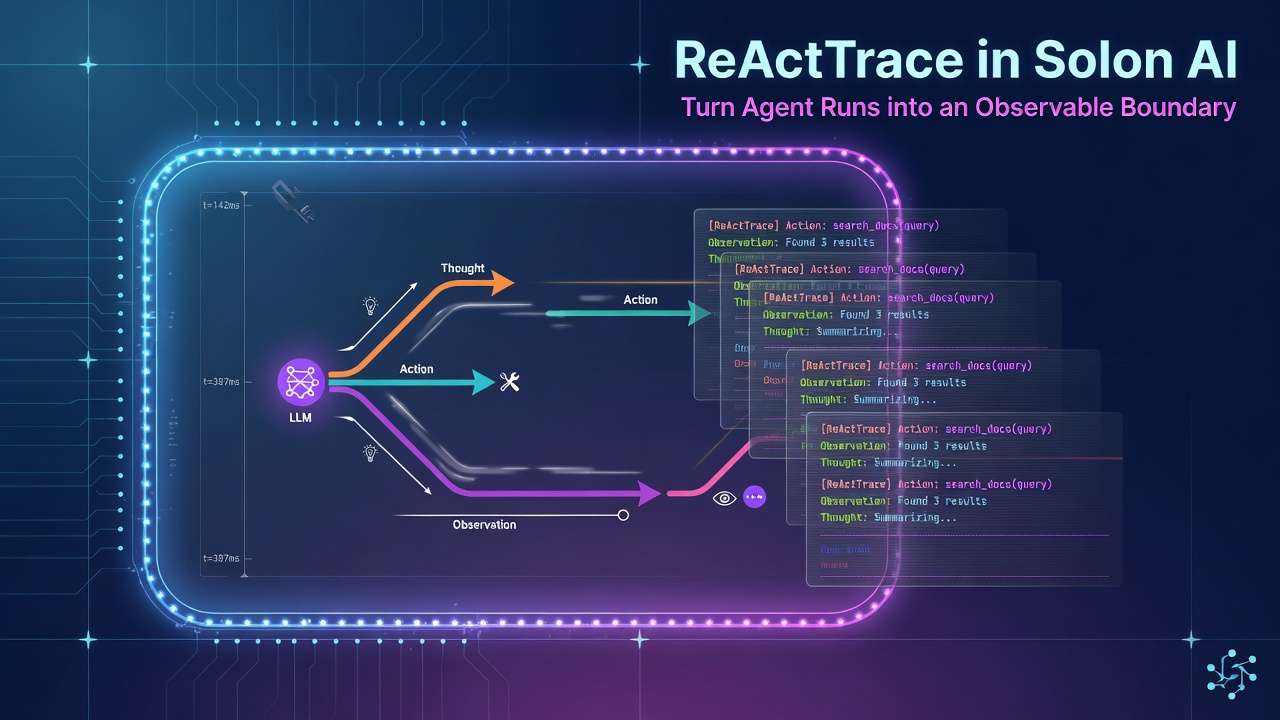
ReAct agents are easier to trust when you can answer more than “what did the model say?” You also need to know how many turns ran, which tools were called, whether a plan existed, and whether the run is waiting for approval.
Solon AI’s ReActTrace is the runtime record for that job. In Solon v4.0.3, it acts as the state-machine context behind a ReAct run: short-term memory, route state, message sequence, plans, tool-call counts, metrics, and pending state live behind one trace.
The trace is the operational boundary
A final answer is a poor production event. It tells you the outcome, but not whether the agent reached it efficiently or safely.
A useful operational record should answer:
- How many reasoning steps ran?
- How many tools were called?
- Did the agent produce a plan?
- What was the last observation?
- Did the run finish, or is it pending?
- How much time or token budget did it consume?
ReActTrace exposes these concerns directly:
ReActResponse response = agent.prompt("Investigate the failed payment and summarize the cause")
        .session(session)
        .call();

ReActTrace trace = response.getTrace();

System.out.println("steps=" + trace.getStepCount());
System.out.println("toolCalls=" + trace.getToolCallCount());
System.out.println("pending=" + trace.isPending());
System.out.println("pendingReason=" + trace.getPendingReason());
System.out.println("history=" + trace.getFormattedHistory());
Enter fullscreen mode Exit fullscreen mode
The response also exposes getMetrics() for execution indicators such as duration and token usage. Keep getContent() for the user-facing answer; keep the trace and metrics for telemetry.
Plans and progress are trace data
When planning is enabled, the plan is not merely prompt text. The trace can expose the current plan and its formatted progress:
ReActAgent agent = ReActAgent.of(chatModel)
        .name("payment_investigator")
        .planningMode(true)
        .maxTurns(8)
        .defaultToolAdd(new PaymentTools())
        .build();

ReActResponse response = agent.prompt("Investigate the failed payment")
        .session(session)
        .call();

ReActTrace trace = response.getTrace();
if (trace.hasPlans()) {
    trace.getPlans().forEach(step -> System.out.println("plan=" + step));
    System.out.println(trace.getPlanProgress());
}
Enter fullscreen mode Exit fullscreen mode
This gives a UI or audit pipeline a stable place to show progress without parsing the model’s prose. The official API also provides getFormattedPlans() when a formatted representation is more convenient.
Streaming: render events, not hidden chain-of-thought
For interactive applications, stream() emits typed agent chunks. Solon’s documentation distinguishes planning, reasoning, thought, action, observation, and final ReAct chunks.
A UI can use those events as status signals:
agent.prompt("Check the latest payment status")
        .session(session)
        .stream()
        .doOnNext(chunk -> {
            if (chunk instanceof PlanChunk) {
                ui.showStatus("Planning");
            } else if (chunk instanceof ActionChunk) {
                ui.showStatus("Calling a tool");
            } else if (chunk instanceof ObservationChunk) {
                ui.showStatus("Processing tool result");
            } else if (chunk instanceof ReActChunk) {
                ui.showAnswer(chunk.getContent());
            }
        })
        .doOnError(ui::showError)
        .blockLast();
Enter fullscreen mode Exit fullscreen mode
The important design choice is to render lifecycle status, tool names, and safe summaries—not to expose private reasoning text by default. Observability should help operators debug a run without turning internal deliberation into a user-facing contract.
Pending is a first-class state
Some workflows must pause before a sensitive action. ReActTrace provides pending(String), isPending(), and getPendingReason() for a run that is waiting rather than finished.
That distinction matters to an API layer:
ReActResponse response = agent.prompt("Refund the customer")
        .session(session)
        .call();

ReActTrace trace = response.getTrace();
if (trace.isPending()) {
    return new AgentStatus("PENDING", trace.getPendingReason());
}

return new AgentStatus("COMPLETED", response.getContent());
Enter fullscreen mode Exit fullscreen mode
Do not report a pending run as a successful empty answer. Persist the session according to your application’s policy, show the pending reason to an authorized reviewer, and resume through the documented session flow after the decision is available.
A small telemetry adapter
Keep framework-specific trace access in one adapter. This prevents controllers and dashboards from depending on every internal detail:
public record AgentRunSummary(
        String agent,
        int steps,
        int toolCalls,
        boolean pending,
        String pendingReason,
        String answer) {

    static AgentRunSummary from(ReActResponse response) {
        ReActTrace trace = response.getTrace();
        return new AgentRunSummary(
                trace.getAgentName(),
                trace.getStepCount(),
                trace.getToolCallCount(),
                trace.isPending(),
                trace.getPendingReason(),
                response.getContent());
    }
}
Enter fullscreen mode Exit fullscreen mode
In production, I would add a correlation ID from the surrounding request, record duration and token metrics, and redact tool arguments or observations that contain secrets or personal data. getFormattedHistory() is useful for controlled diagnostics, but it should not automatically become an unrestricted log line.
Practical checklist
- Return
getContent()to the user, not the raw trace. - Record step count, tool-call count, duration, and token metrics.
- Treat
isPending()as a separate state from success and failure. - Use plan APIs for progress displays instead of parsing model text.
- Use typed stream chunks for UI status updates.
- Redact arguments and observations before exporting telemetry.
- Apply retention and access control to trace history.
- Keep
maxTurnsas a runtime guard even when planning is enabled.
The useful mental model is simple: ReActResponse is the result envelope; ReActTrace is the run record. Once that boundary is explicit, agent observability becomes an engineering surface rather than a collection of prompt strings and console logs.
Official references:
0 Comments
Log in to join the conversation.No comments yet. Be the first to share your thoughts.