
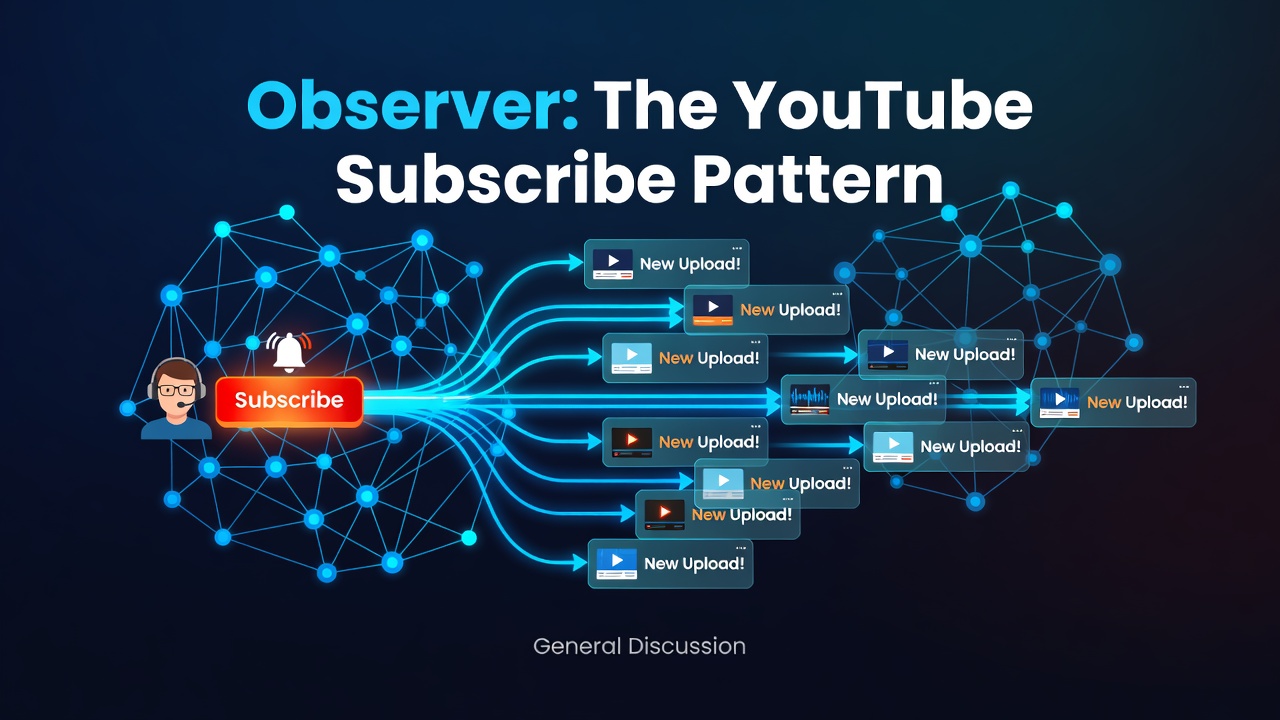
You subscribe to a YouTube channel and hit the bell. Now, whenever the creator uploads, you get notified automatically. You don't sit there refreshing every five minutes asking "new video yet?" The channel pushes the news to everyone subscribed.
- The channel is the thing being watched — the Subject.
- You and the other subscribers are the Observers.
- A new upload is the event that triggers notifications to everyone.
And subscribers come and go freely. You can unsubscribe anytime, and the channel doesn't care who's on the list — it just notifies whoever currently is.
That's the Observer pattern: when one object changes, all its dependents get notified automatically.
The problem it solves
An order gets placed, and several things must happen: send an email, update inventory, log analytics, notify the warehouse. The naive way glues them all onto the order class:
public void PlaceOrder()
{
    // ...place order...
    _emailService.Send(...);
    _inventoryService.Update(...);
    _analyticsService.Track(...);
    _warehouseService.Notify(...);
}
Enter fullscreen mode Exit fullscreen mode
Every time you add a new reaction — "also send an SMS" — you edit the order class. It knows about everyone and is tightly coupled to all of them. Observer breaks exactly this.
The Observer way
First, an interface describing what a subscriber looks like:
public interface IOrderObserver
{
    void OnOrderPlaced(int orderId);
}
Enter fullscreen mode Exit fullscreen mode
The subject keeps a list of subscribers and notifies them — without knowing who they are:
public class OrderService
{
    private readonly List<IOrderObserver> _observers = new();

    public void Subscribe(IOrderObserver o)   => _observers.Add(o);
    public void Unsubscribe(IOrderObserver o) => _observers.Remove(o);

    public void PlaceOrder(int orderId)
    {
        // ...place the order...
        foreach (var observer in _observers)   // notify everyone on the list
            observer.OnOrderPlaced(orderId);   // no idea who they actually are
    }
}
Enter fullscreen mode Exit fullscreen mode
Each observer reacts in its own way:
public class EmailNotifier : IOrderObserver
{
    public void OnOrderPlaced(int id) => Console.WriteLine($"Email sent for #{id}");
}

public class InventoryUpdater : IOrderObserver
{
    public void OnOrderPlaced(int id) => Console.WriteLine($"Inventory updated for #{id}");
}
Enter fullscreen mode Exit fullscreen mode
Wire it up:
var orderService = new OrderService();
orderService.Subscribe(new EmailNotifier());
orderService.Subscribe(new InventoryUpdater());

orderService.PlaceOrder(101);
// Email sent for #101
// Inventory updated for #101
Enter fullscreen mode Exit fullscreen mode
Add SMS later? Write SmsNotifier, call Subscribe(new SmsNotifier()). OrderService never changes — it has no idea SMS exists, it just loops over whoever subscribed. The subject and its reactions are fully decoupled. That's the payoff.
The C# native way
C# has Observer baked into the language via events, so you rarely write the observer list by hand:
public class OrderService
{
    public event Action<int>? OrderPlaced;   // the "channel"

    public void PlaceOrder(int orderId)
    {
        // ...place order...
        OrderPlaced?.Invoke(orderId);        // notify all subscribers
    }
}

var service = new OrderService();
service.OrderPlaced += id => Console.WriteLine($"Email sent for #{id}");
service.OrderPlaced += id => Console.WriteLine($"Inventory updated for #{id}");

service.PlaceOrder(101);   // both fire automatically
Enter fullscreen mode Exit fullscreen mode
Every += on an event, every button Click handler, every PropertyChanged in MVVM — that's Observer. You've been using it since day one.
Where it's everywhere
-
UI events —
button.Click += ..., every DOMaddEventListener. -
MVVM and data binding —
INotifyPropertyChangedis Observer; the UI observes your model. - Event buses and domain events — publish once, many handlers react.
- SignalR, webhooks, pub/sub — the same idea at network scale.
-
IObservable<T>and Reactive Extensions — Observer turned into full data streams.
One line to remember
Observer = YouTube subscribe. When the subject changes, everyone on the list gets notified automatically — and the subject doesn't know or care who's listening.
Part 9 of a series on must-know design patterns in C#, explained the simple way. Earlier parts covered Singleton, Factory Method, Builder, Adapter, Decorator, Facade, Proxy, and Composite. Next up: Strategy — the choose-your-algorithm pattern.
0 Comments
Log in to join the conversation.No comments yet. Be the first to share your thoughts.