


Disclosure: I build Schemity, a desktop ERD tool - this post is from our blog and uses it for the examples.
TL;DR: SSMS keeps every database diagram as a binary blob in the sysdiagrams system table of the database it describes, so it cannot be saved to a file, versioned in Git, or opened without a server connection - and the feature itself was removed in SSMS 18.0 and restored in 18.1 only after user outcry. Schemity, a desktop ERD tool with SQL Server support, reverse engineers the same schema into a plain local JSON file that diffs in pull requests, exports to SVG and Mermaid, and re-syncs from the live database without losing your layout.
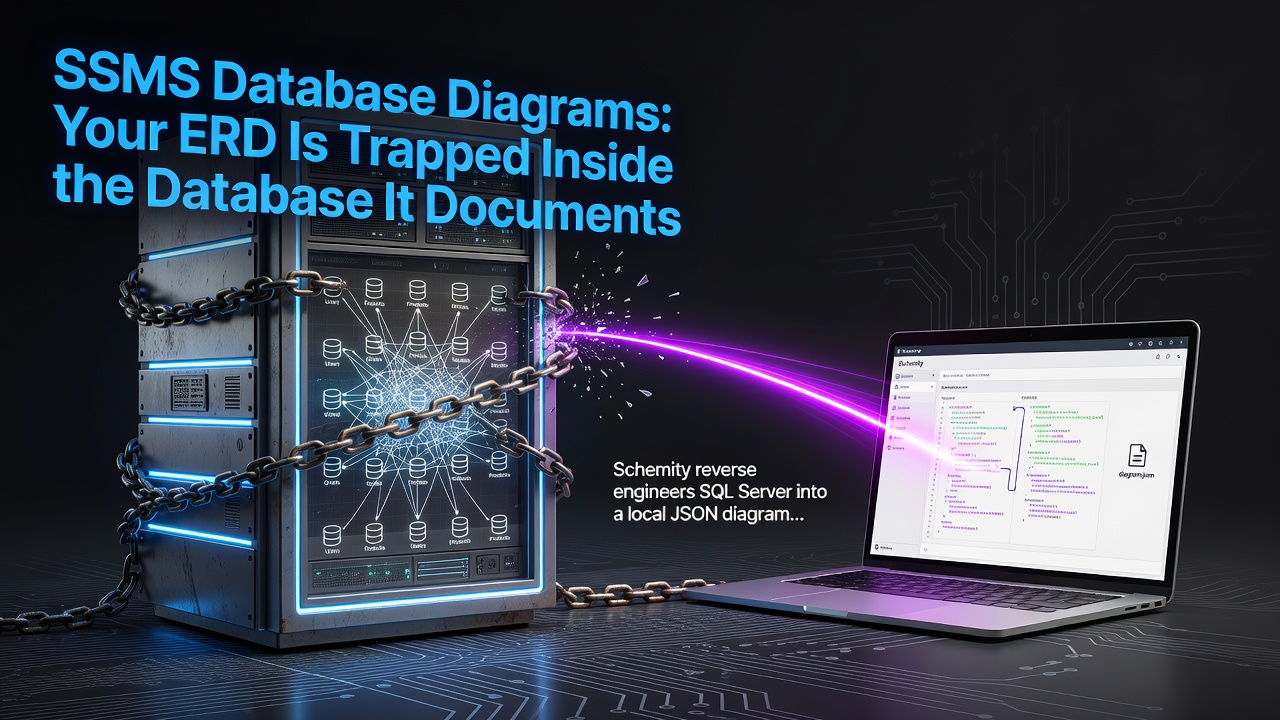
The database diagram you built in SSMS is not a file - it is a row of binary data in a system table called sysdiagrams, inside the very database it documents. That is why you cannot attach it to a design doc, review it in a pull request, or open it after the server is gone. Getting a SQL Server ERD you can actually keep means reverse engineering the schema into a tool that treats the diagram as a document you own.
Most people discover this the day they try to share the diagram. You spent an hour dragging tables into place, the picture finally explains the schema, and a teammate asks for a copy. There is no Save As. One user asked Microsoft directly how to save an SSMS ER diagram to a file so the team could open it, and the accepted workarounds were copy it to the clipboard as an image, or print it to PDF - a screenshot with extra steps. The diagram itself stays where it was born: inside the database, invisible to Git, unreachable without a connection.
A diagram stored as a binary row cannot be shared, diffed, or kept
sysdiagrams has a definition column of type varbinary(max), and your entire diagram - every table position, every annotation - is one opaque value in it. Every consequence follows from that storage decision. Copy the database with a script and the diagram is gone, because schema scripts do not carry system-table contents. Restore an old backup and you get the old diagram, with no way to see what changed. Two DBAs cannot work on the picture without overwriting each other. And nothing about the diagram can be reviewed, because there is nothing readable to review.

The feature's own history says how much weight it can bear. Microsoft removed database diagrams outright in SSMS 18.0 in 2019, brought them back in 18.1 after users pushed back, and only fixed the lingering breakage in 18.6. Even then the designer stayed coupled to the tooling version: connect SSMS 18.12.1 to SQL Server 2022 and it refuses with "This backend version is not supported to design database diagrams or tables" until you upgrade SSMS again. A diagram you cannot export, produced by a designer that has been removed once and version-locked ever since, is not documentation. It is a screensaver for one machine.
There is one more trap worth naming: the SSMS diagram designer doubles as a table designer. Saving a diagram can save table changes with it, so an absent-minded edit inside what you thought was a picture becomes a real ALTER against the database. A diagram should never have that power by accident.
How do I export a database diagram from SSMS to a file?
The honest answer is that you cannot - not as a diagram. The clipboard-image and print-to-PDF workarounds produce pictures that no tool can reopen, and the deeper trick of copying sysdiagrams rows between databases just relocates the blob without ever making it readable. Whatever you produce is frozen at export time and dead to version control.
So the useful move is to stop trying to get the picture out and instead get the schema out - which SQL Server hands to any client that asks the catalog. A desktop ERD tool that speaks SQL Server can connect to the database and reverse engineer the whole schema into a diagram in one step: tables, foreign keys, unique constraints, the lot. Schemity is built for exactly this - an offline, local ERD tool where SQL Server sits alongside PostgreSQL, MySQL, MariaDB, and SQLite as a first-class connection, over a direct connection or an SSH tunnel.
The difference is not the drawing. It is where the drawing lives.
| SSMS database diagram | Schemity diagram | |
|---|---|---|
| Stored as | Binary row in sysdiagrams, inside the database |
Plain JSON file in a local folder you choose |
| Version control | No - binary blob, nothing to diff | Yes - line-by-line diffs in Git and pull requests |
| Open without the server | No - requires a live connection | Yes - it is a local file |
| Survives tooling upgrades | Designer version-locked to the engine | File format independent of any server version |
| Export | Clipboard image or print to PDF | SVG, PNG, JPG, Mermaid, SQL DDL |
| Schema changes | Saving the diagram can silently alter tables | Nothing applies without a reviewed migration SQL diff |
The diagram becomes a file: local JSON, versioned in Git
When Schemity reverse engineers your SQL Server database, the result is a plain JSON file in a workspace folder on your machine - ERD tool JSON storage in the most literal sense. Put that folder in a repository and you have a Git-native ERD: the afternoon you spend arranging tables into domains is committed, branched, and recoverable, and a schema change shows up in review as readable lines instead of an unexplained binary. This is how you version control a database diagram in Git without fighting the format.
Staying current stops being a rewrite, too. Re-sync pulls the latest schema from the live database every time you reopen the diagram - the live database stays the source of truth, new tables arrive ready to place, dropped ones vanish, and every entity you already arranged keeps its position. The layout work survives, which is precisely the work dashboard-style visualizers throw away.
And sharing finally works the way documents work. A teammate opens the diagram file in read-only mode with no access to the connection behind it. The picture leaves as a sharp SVG instead of a blurry clipboard bitmap, or as a Mermaid file that GitHub and Notion render natively, or as the SQL DDL itself when that is the real question. None of it requires the reader to have SSMS, credentials, or a matching tooling version.
Documentation should not live inside the thing it documents
The sysdiagrams design gets one thing exactly backwards: it makes the documentation depend on the system being documented. If the server is down, migrated, restored, or retired, the explanation of the schema goes with it - which is the moment you need the explanation most. The same failure wears other costumes: cloud tools that can lose a diagram outright because it is a row in someone else's database, and dashboards that regenerate the picture from scratch on every visit. The cure is the same each time - make the diagram a local file that outlives every server and every tool version, sitting in your repo next to the code that uses the schema.
Your SQL Server schema deserves a diagram with a path, not a diagram with a connection string. Take it out of the database.
0 Comments
Log in to join the conversation.No comments yet. Be the first to share your thoughts.