
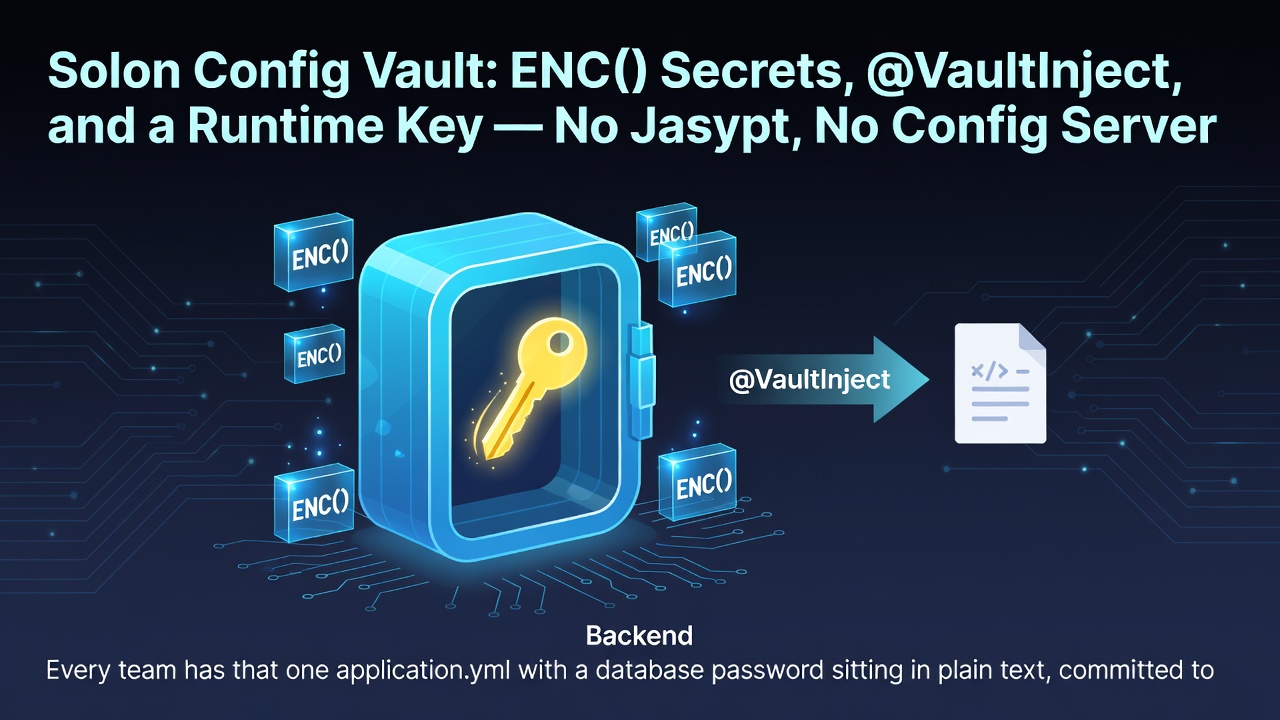
Every team has that one application.yml with a database password sitting in plain text, committed to a repo that half the company can read. You know it should not be there. But the fix usually means pulling in Jasypt, standing up a config server, or explaining to your ops team why they need to manage another secret store.
Solon takes a much smaller route. There's a built-in plugin called solon-security-vault that lets you encrypt sensitive values (database credentials, API keys, whatever) and mark them with an ENC(...) prefix right in your config file. No external service. No new infrastructure. Just a dependency, a helper method, and one annotation.
Full disclosure, straight from the official docs: this is "anti-honest-people, not anti-thieves." It keeps secrets from being readily visible, it does not pretend to be a KMS. If you need defense-in-depth, pair it with a proper config center. But for the very common problem of "don't leave plaintext passwords in Git," it's a clean, pragmatic answer.
The shape of it
You configure one vault password, then any value wrapped in ENC(...) gets decrypted on injection:
solon.vault:
  password: "liylU9PhDq63tk1C"

test.db1:
  url: "jdbc:mysql://localhost:3306/demo"
  username: "ENC(xo1zJjGXUouQ/CZac55HZA==)"
  password: "ENC(XgRqh3C00JmkjsPi4mPySA==)"
Enter fullscreen mode Exit fullscreen mode
Three things to notice:
- The vault password itself can come from a JVM arg at runtime instead of living in the file (more on that below).
- The default algorithm expects a 16-character password — mixed case and digits are recommended.
- Only the values wrapped in
ENC(...)are affected. Everything else stays as normal config.
Step 1 — Add the plugin
<dependency>
    <groupId>org.noear</groupId>
    <artifactId>solon-security-vault</artifactId>
</dependency>
Enter fullscreen mode Exit fullscreen mode
Step 2 — Generate ciphertext
You don't hand-roll the encrypted strings. A tiny helper in your app prints them:
public class TestApp {
    public static void main(String[] args) throws Exception {
        Solon.start(TestApp.class, args);

        // prints the encrypted form of "root"
        System.out.println(VaultUtils.encrypt("root"));
    }
}
Enter fullscreen mode Exit fullscreen mode
Run it once, copy the output into your ENC(...) values, and delete the helper. (Or keep it behind a flag for rotating secrets later.)
Step 3 — Inject with @VaultInject
The idiomatic way is the @VaultInject annotation. It decrypts on the way in, so the rest of your code never sees the ciphertext:
@Configuration
public class TestConfig {
    @Bean("db2")
    private DataSource db2(@VaultInject("${test.db1}") HikariDataSource ds) {
        return ds;
    }
}
Enter fullscreen mode Exit fullscreen mode
The manual route: VaultUtils.guard()
Not everything fits an annotation. When you need to decrypt imperatively, VaultUtils has you covered — either a whole config block or a single value:
// decrypt a whole config block
Props props = Solon.cfg().getProp("test.db1");
VaultUtils.guard(props);
HikariDataSource ds = props.getBean(HikariDataSource.class);

// decrypt a single value
String name = VaultUtils.guard(Solon.cfg().get("test.demo.name"));
Enter fullscreen mode Exit fullscreen mode
This composes nicely with Solon.cfg() — the same property-collection entry point you already use for everything else. No second API to learn.
Keep the key out of the file
Hardcoding the vault password next to the ciphertext is only marginally better than hardcoding the plaintext. The docs suggest passing it at runtime instead:
java -Dsolon.vault.password=your-16-char-key -jar demo.jar
Enter fullscreen mode Exit fullscreen mode
And if you're used to --key=value style args, Solon treats both forms equivalently — any startup arg containing a dot also becomes an app property. So --solon.vault.password=... works just the same. That means CI/CD pipelines can inject the key per environment without touching the repo at all.
Bring your own algorithm
The plugin ships with an AesVaultCoder, and the VaultCoder interface is your extension point. Either implement it as a component or register an existing implementation as a bean:
@Component
public class VaultCoderImpl implements VaultCoder {
    private final String password;

    public VaultCoderImpl() {
        // even the password's config key can be changed
        this.password = Solon.cfg().get("solon.vault.password");
    }

    @Override
    public String encrypt(String str) throws Exception { /* ... */ }

    @Override
    public String decrypt(String str) throws Exception { /* ... */ }
}
Enter fullscreen mode Exit fullscreen mode
Or swap in a ready-made coder:
@Configuration
public class Config {
    @Bean
    public VaultCoder vaultCoderInit() {
        return new AesVaultCoder();
    }
}
Enter fullscreen mode Exit fullscreen mode
The honest boundary
Let me quote the official line again, because it matters: this feature is "to prevent the gentleman, not the villain." It stops sensitive values from being directly visible — a stray screenshot, a careless paste, a config dump in CI logs. It is not encryption at rest for your whole config system, and the vault password itself must be protected.
So my take, after using it:
- Use it for: keeping DB passwords, tokens, and API keys out of plaintext in shared repos.
- Don't use it as: a replacement for a KMS or a proper config center when you operate at that scale.
-
Pair it with: a runtime-injected
solon.vault.password, and treat the key like you'd treat any other secret — rotate it, restrict it.
If you've come from Spring Boot, this is the niche that Jasypt usually fills — except here it's a first-party Solon plugin, the annotation is native, and the whole thing hangs off Solon.cfg() with zero extra services. For a framework that prides itself on being restrained, it's a surprisingly complete little feature.
Now go find that plaintext password in your repo. You know the one.
0 Comments
Log in to join the conversation.No comments yet. Be the first to share your thoughts.