
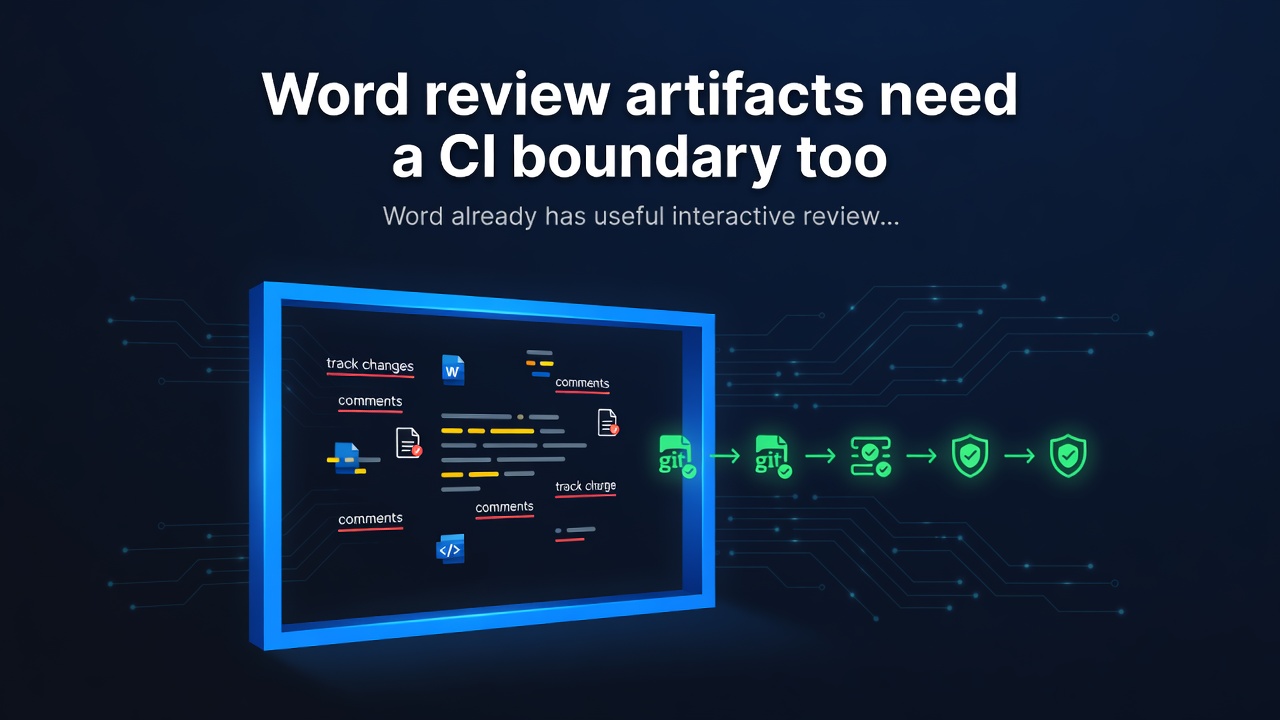

Word review artifacts need a CI boundary too
Word already has useful interactive review workflows: legal blackline comparison
and Document Inspector. But a controlled handoff or CI workflow has a different
question: did this package gain unresolved revisions, comments, hidden runs,
external relationships, macros, custom XML, or another opaque payload change?
And can we answer that without turning a build artifact into a copy of the
document?
DocFence 0.1.0 is a local-first
CLI for that boundary. It compares .docx and .docm packages without opening
Word, executing macros, evaluating fields, following links, rendering a
document, or uploading source material.
More than a text diff
The visible body is only one stored story. DocFence inventories the body,
headers, footers, footnotes, endnotes, comments, and glossary parts. It also
tracks revision markup, direct hidden-text runs, field codes, content controls,
Track Changes, external relationships, custom XML, and macros. A generic opaque
payload signal covers mutations in parts the specialized inventories do not
explain, such as styles, media, embeddings, metadata, and the package manifest.
The output intentionally contains counts and fixed change categories rather
than paragraphs, comments, reviewer names, URLs, relationship targets, field
instructions, custom XML values, macro bytes, part paths, or fingerprints. That
makes JSON, Markdown, and SARIF practical for CI artifacts while keeping source
material inside the team’s environment.
Policies that are small enough to review
A policy is a strict, short YAML file. It distinguishes a comparison boundary
from a candidate-state boundary: a team can block a newly introduced external
relationship while separately requiring that the candidate contain no comments
or unresolved revisions at all.
version: 1
rules:
  no_external_relationship_changes: true
  no_macro_payload_changes: true
  no_custom_xml_changes: true
  require_no_unresolved_revisions: true
  require_no_comments: true
  require_no_hidden_text: true
Enter fullscreen mode Exit fullscreen mode
docfence check exits nonzero when policy finds a violation. Its SARIF output
does not contain locations, so a code-scanning integration does not need to
receive a sensitive paragraph or package path. The
policy reference
documents the full rule set and strict syntax.
A bounded claim, not a rendering verdict
DocFence compares stored OOXML, not Word’s rendered result. It does not resolve
styles or markup-compatibility choices, so direct stored hidden text is counted
while style-inherited hiddenness is outside this first release. It is likewise
not a legal-review substitute or a macro-safety scanner. The parser rejects
unsafe ZIP/XML structures and records its limits and non-goals in the
threat model.
Microsoft’s legal blackline workflow
and Document Inspector guidance
remain valuable human-review tools. DocFence adds a reproducible package-state
checkpoint around them.
Use the release
python -m pip install https://github.com/SybilGambleyyu/docfence/releases/download/v0.1.0/docfence-0.1.0-py3-none-any.whl

docfence diff approved.docx candidate.docx --format markdown
docfence init docfence.yml
docfence check approved.docx candidate.docx --policy docfence.yml --format sarif --output docfence.sarif
Enter fullscreen mode Exit fullscreen mode
DocFence is MIT-licensed and available on GitHub.
0 Comments
Log in to join the conversation.No comments yet. Be the first to share your thoughts.